
Riny · @rheijdendael
32 followers · 125 posts · Server mastodon.social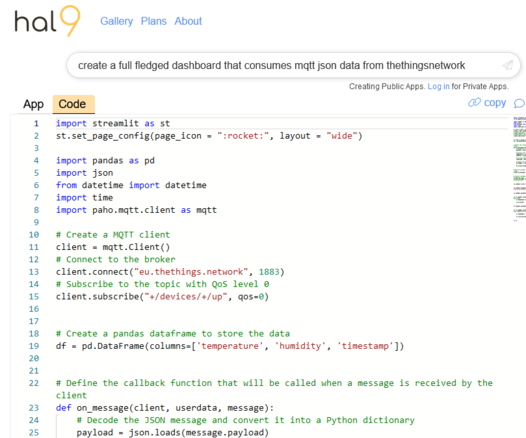
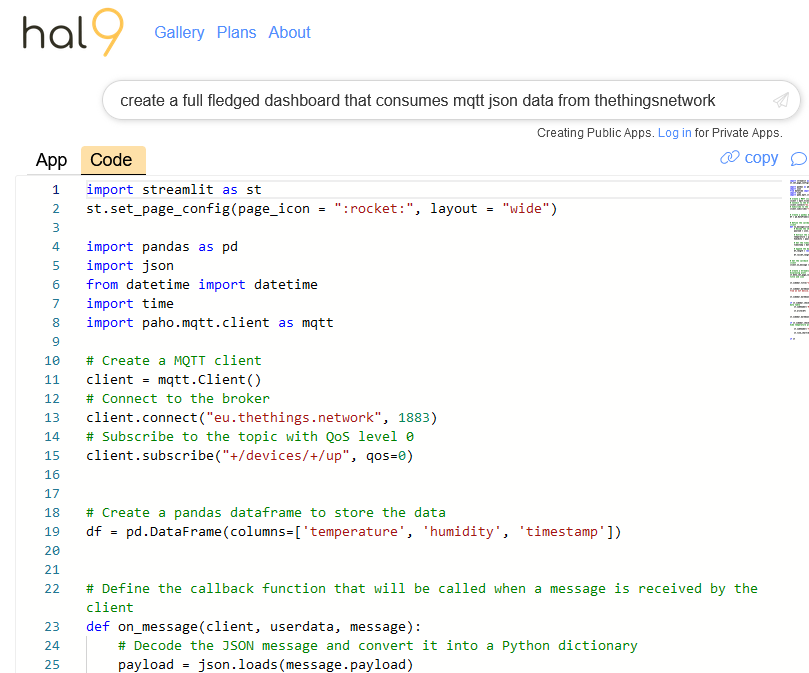
Completely ridiculous :
#lorawan #hal9k
Prompt :
create a full fledged dashboard that consumes mqtt json data from thethingsnetwork
#lorawan #hal9k #MQTTDashboard #thethingsnetwork #TheThingsIndustries

lopeztel :manjaro: :arch: · @lopeztel
282 followers · 2673 posts · Server fosstodon.orgTurns out I had to install #AndroidStudio to download the blasted SDK tools and then use them in #QtCreator that was very stupid... the things I do to have an Android version of #MQTTDashboard #mqtt #Android #Qt
#androidstudio #qtcreator #MQTTDashboard #mqtt #android #qt
lopeztel :manjaro: :arch: · @lopeztel
282 followers · 2673 posts · Server fosstodon.org#MQTTDashboard #mqtt #Raspberrypi :raspberrypi: #esp8266 #platformIO #DHT11 #WeatherStation
#mqtt #raspberrypi #MQTTDashboard #esp8266 #platformio #dht11 #weatherstation
lopeztel :manjaro: :arch: · @lopeztel
282 followers · 2673 posts · Server fosstodon.org#MQTTDashboard #mqtt #Raspberrypi :raspberrypi: #esp8266 #platformIO #RGBLed
#raspberrypi #MQTTDashboard #mqtt #esp8266 #platformio #rgbled
lopeztel :manjaro: :arch: · @lopeztel
282 followers · 2673 posts · Server fosstodon.org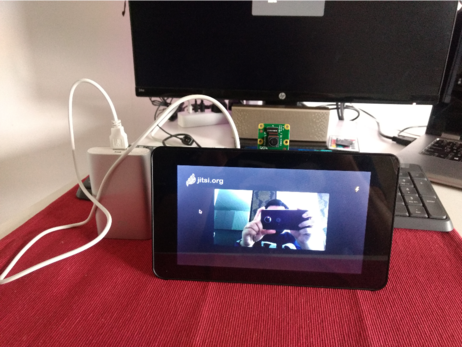
I am trying to add videoconference capabilities to my #MQTTDashboard so far it is possible to use #JitsiMeet on chromium with a bluetooth headset, tried one of those tiny USB microphones but the audio quality sucks. This will be a gift to my parents, who live very far from me and are not good with tech. I also need to figure out a way to embed or call this chromium tab from #Qt ... Fun times
lopeztel :manjaro: :arch: · @lopeztel
282 followers · 2673 posts · Server fosstodon.org#MQTTDashboard now with a better screen and migrated #esp8266 to #Platformio :manjaro: :raspberrypi:
#MQTTDashboard #esp8266 #platformio
lopeztel :manjaro: :arch: · @lopeztel
282 followers · 2673 posts · Server fosstodon.org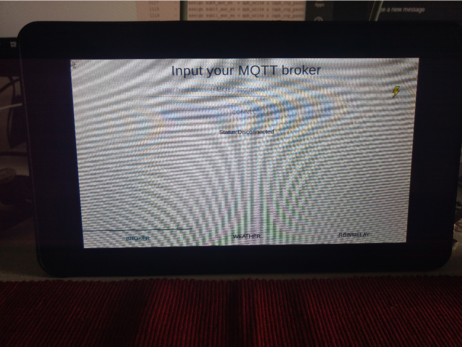
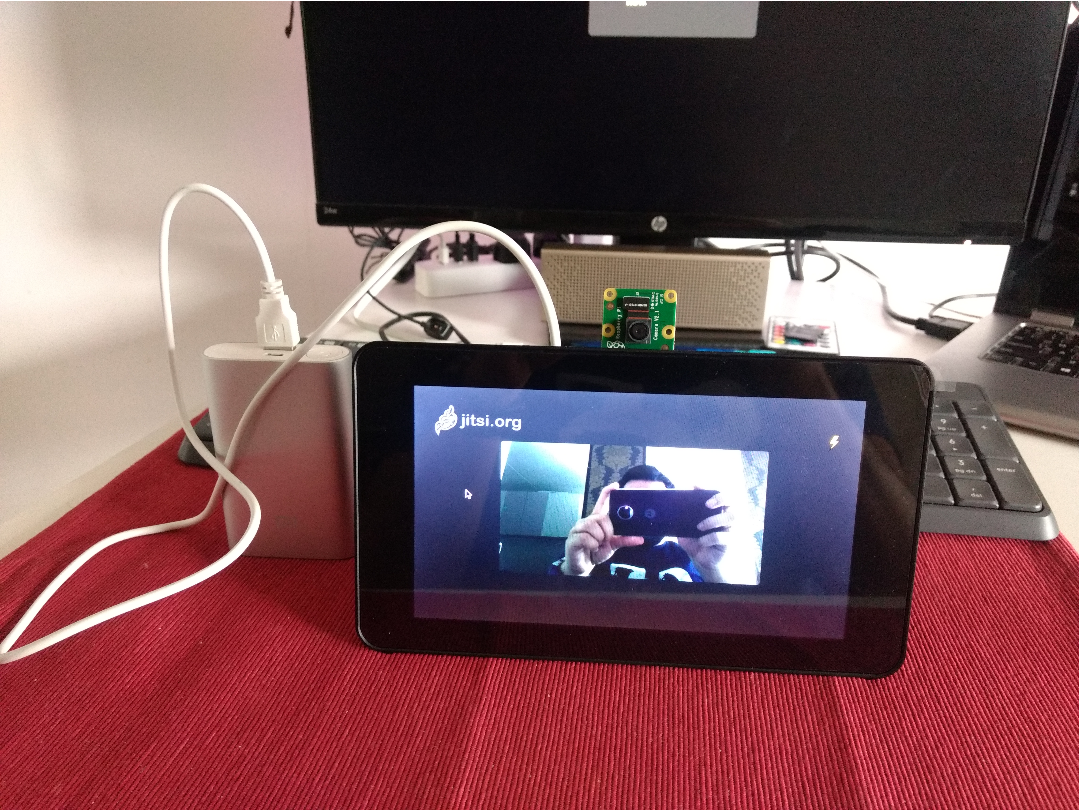
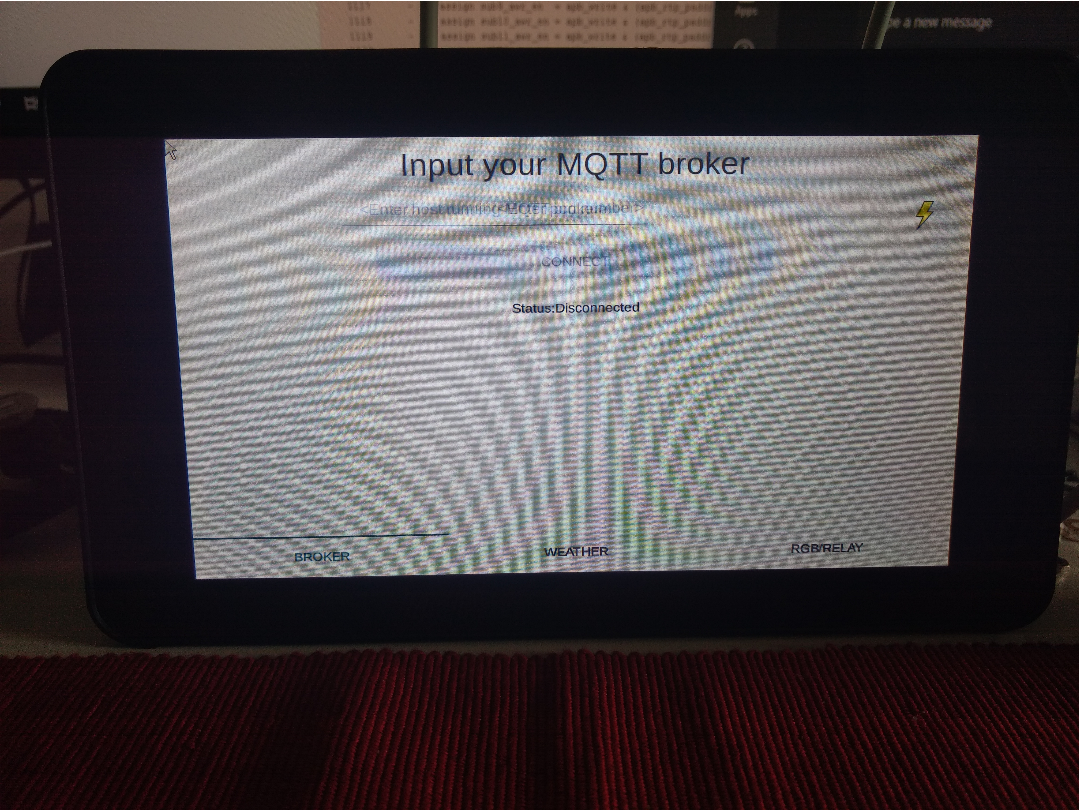
First update, migrated from 3.5" to 7" touch display (hence the weird look, also my phone has a crappy camera) #raspberrypi :raspberrypi: #MQTTDashboard #Qt
#raspberrypi #qt #MQTTDashboard
lopeztel :manjaro: :arch: · @lopeztel
282 followers · 2673 posts · Server fosstodon.orgNow, for the next steps for my #MQTTDashboard:
1. touchscreen control is inverted, need to figure that out
2. it may be convenient to rotate screen 180°
3. there's a 20 min delay between the app and real time, so fix that as well
4. Button to exit application, the only way to kill it is through ssh
#raspberrypi :raspberrypi: #Qt #mqtt
#MQTTDashboard #qt #raspberrypi #mqtt