ewe2 · @ewe2
7 followers · 34 posts · Server bitbang.social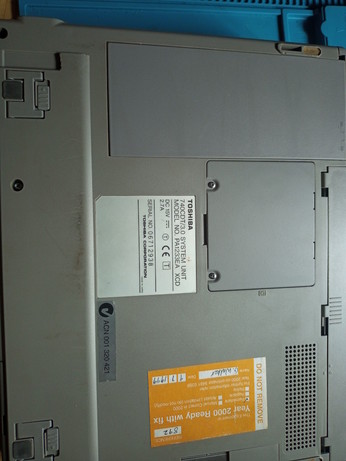
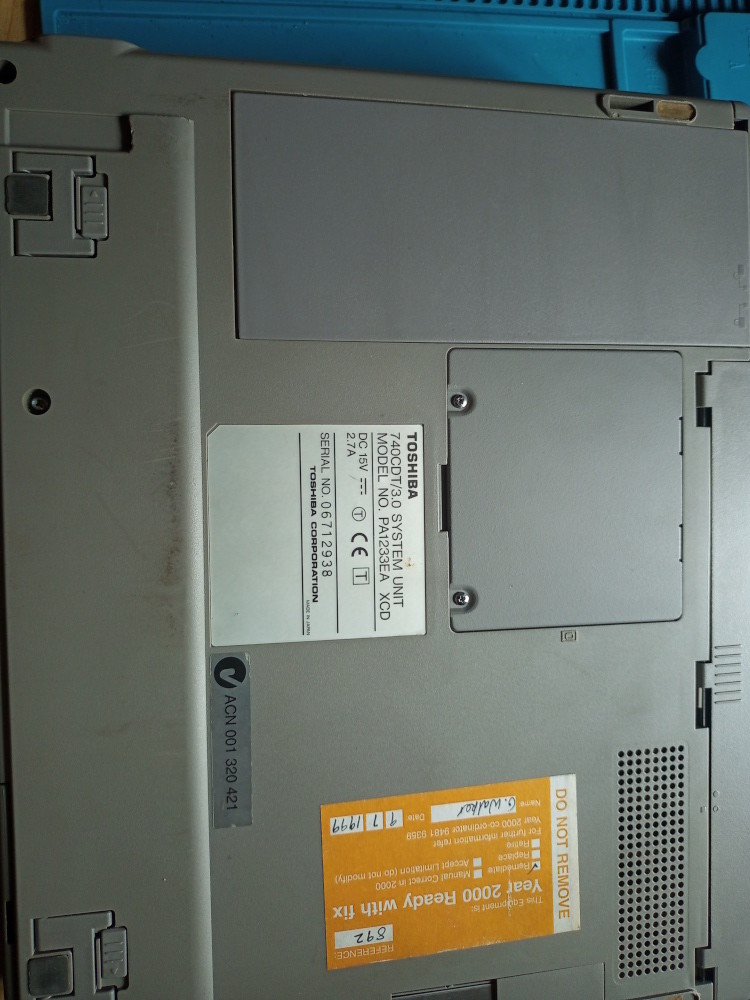
And lastly, the bottom of the #Tecra unit. Access to the RAM is here and you can see the battery compartment which slides to the left from a latch at the top. It no longer works, I have to run the laptop from AC power.
Last updated 3 years ago
ewe2 · @ewe2
7 followers · 33 posts · Server bitbang.social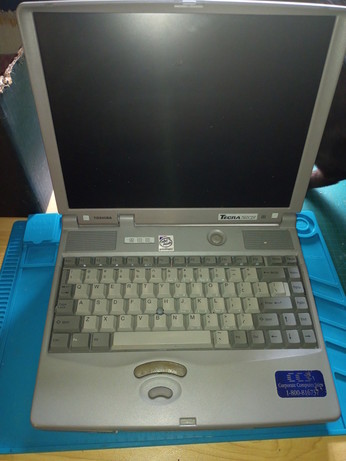
Here is the top view of the opened #Tecra. It's definitely not a gaming laptop unless you use a plugged-in PS/2 mouse! It's quite a weighty sturdy unit, and the screen is quite strong.
Last updated 3 years ago
ewe2 · @ewe2
7 followers · 32 posts · Server bitbang.social
ewe2 · @ewe2
7 followers · 31 posts · Server bitbang.social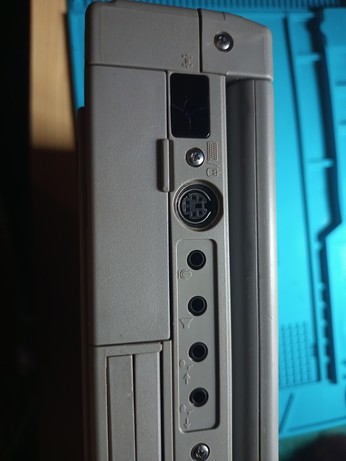
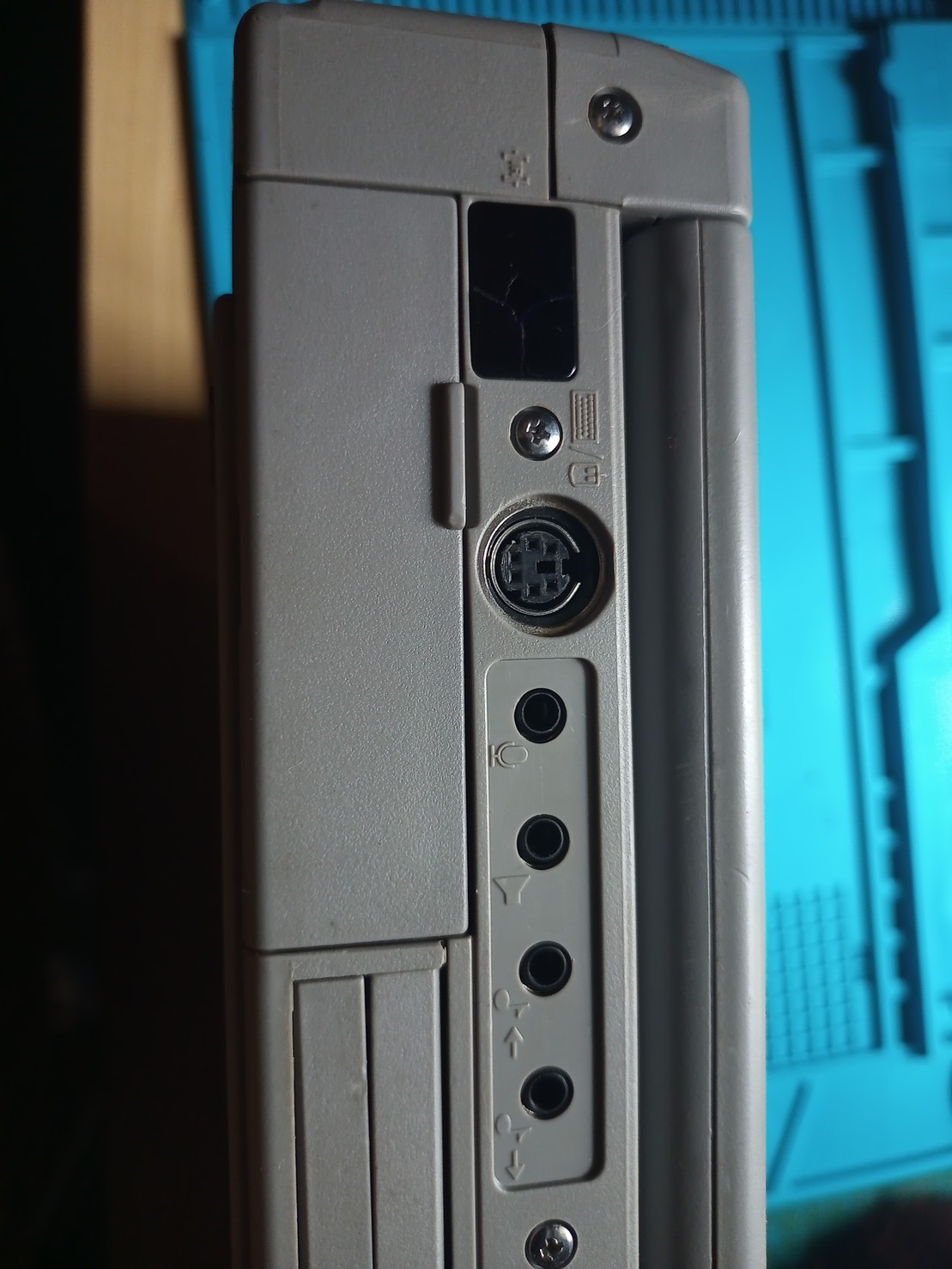
The back ports on the #Tecra. At left is the IrDa port then the PS/2 port and the multimedia outputs. To the right, not pictured is the external bus which is actually a #PCI bus which also connects to the graphics controller and the processor, everything else is on an ISA bus.
Last updated 3 years ago