
Zhian N Kamvar :rstats: · @zkamvar
290 followers · 1231 posts · Server fosstodon.orgI am so #grateful to be working with a community that is full of supportive and caring leaders. This year has been a tough one for me, but seeing these testimonials reminds me that my work with the #CarpentriesWorkbench is valued in more ways than I can imagine.
Thank you to Jennifer, Eric, @malvikasharan, @fmic_, Charlotte, and @lgatto and for taking the time to write these and to the entire community for your patience and feedback through the process :blobcatheart:
https://carpentries.org/blog/2023/08/celebrating-carpentries-workbench/
#grateful #carpentriesworkbench
Zhian N Kamvar :rstats: · @zkamvar
273 followers · 1110 posts · Server fosstodon.orgI finally carved out some time to sit down and finished what I promised
@steffilazerte almost 15 months ago.
I wrote about how I use the r-universe (by @rOpenSci) to not only deploy The #CarpentriesWorkbench packages, but also stable versions and bugfixes _for its depenendencies_.

The Carpentries · @thecarpentries
359 followers · 88 posts · Server fosstodon.org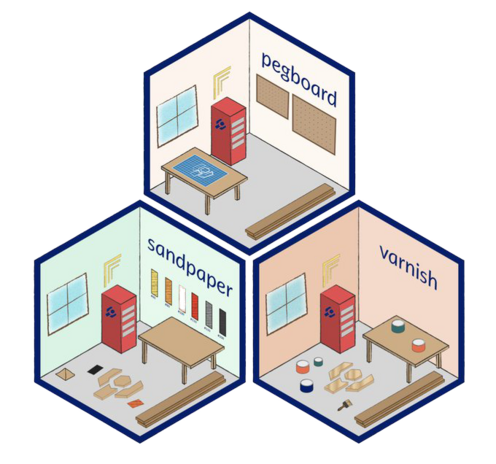
REMINDER: All lessons will be transitioning to the #CarpentriesWorkbench this week. Check out the schedule: https://carpentries.github.io/workbench/transition-schedule.html
The Carpentries · @thecarpentries
359 followers · 88 posts · Server fosstodon.orgThe #CarpentriesWorkbench makes the lives of lesson developers and maintainers easier, by simplifying the process of building and serving local previews of a lesson website.
Zhian N Kamvar :rstats: · @zkamvar
235 followers · 616 posts · Server fosstodon.orgA note for those who created a #CarpentriesWorkbench lesson that uses #RStats and the #tidyverse before June 2022: if your lesson is now failing to build, you will need to run `sandpaper::pin_version("MASS@7.3-59")` to get the build running again.
After that, I would recommend to create a new branch and run `sandpaper::update_cache()` to update your package cache so that you get the most recent versions of the required packages and preview the differences in a pull request
#carpentriesworkbench #rstats #tidyverse
The Carpentries · @thecarpentries
357 followers · 87 posts · Server fosstodon.orgThe #CarpentriesWorkbench introduces inline Instructor Notes to our lessons. Previously confined to a single page accompanying the lesson, guidance for Instructors can now be placed where it is most relevant and visible while teaching.
The Carpentries · @thecarpentries
356 followers · 85 posts · Server fosstodon.orgThe #CarpentriesWorkbench provides separate views of a lesson for Instructors and learners. Display and hide guidance for Instructors and switch the resources provided in the top bar at the touch of a button.
The Carpentries · @thecarpentries
355 followers · 85 posts · Server fosstodon.orgThe #CarpentriesWorkbench provides separate views of a lesson for Instructors and learners. Display and hide guidance for Instructors and switch the resources provided in the top bar at the touch of a button.
The Carpentries · @thecarpentries
355 followers · 85 posts · Server fosstodon.orgDid you know the #CarpentriesWorkbench raises #a11y of @thecarpentries lessons to the next level? The new layout ensures lesson sites meet or exceed the WCAG AA+ standard, and automated checks empower authors to create more accessible content, like adding alt text to images.
The Carpentries · @thecarpentries
349 followers · 77 posts · Server fosstodon.orgThe #CarpentriesWorkbench is a lesson infrastructure with a new look and feel! Check out the changes in navigation, callout blocks, and the addition of a progress bar compared to our old template. #OSS #Carpentries #RStats
#carpentriesworkbench #oss #carpentries #rstats
The Carpentries · @thecarpentries
339 followers · 68 posts · Server fosstodon.org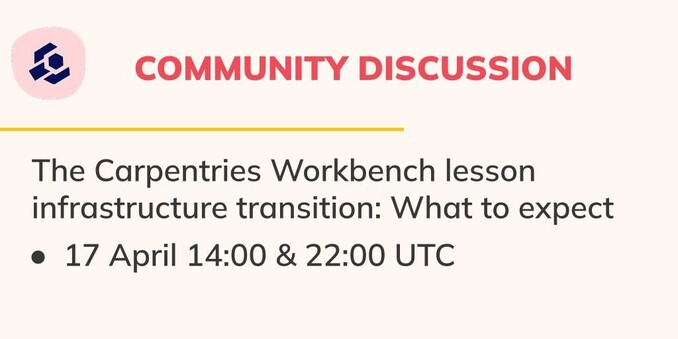
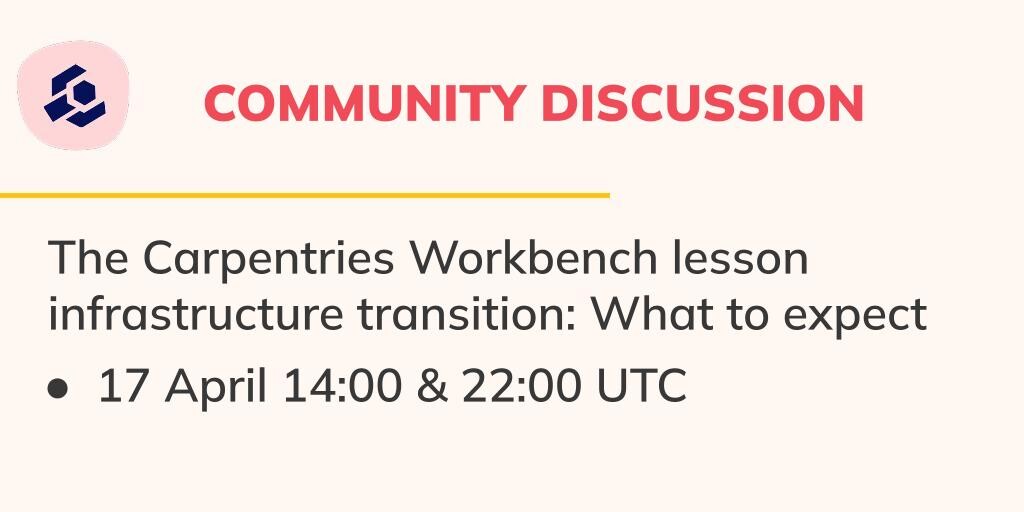
Are you curious about the #CarpentriesWorkbench? Join @zkamvar on Monday, 17 April 14:00-15:00 and 22:00-23:00 UTC for a Carpentries Community Discussion all about The Workbench, including what to expect and how to get your questions answered. Details: https://pad.carpentries.org/community-discussions
The Carpentries · @thecarpentries
328 followers · 62 posts · Server fosstodon.org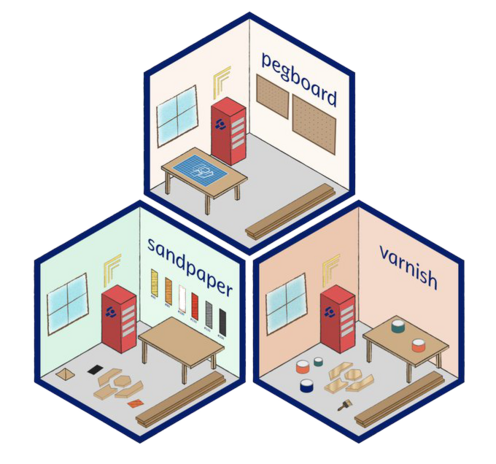
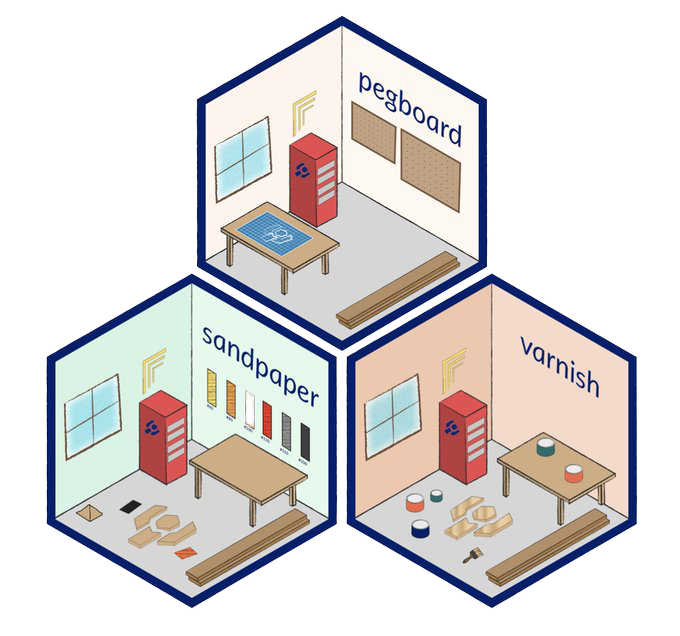
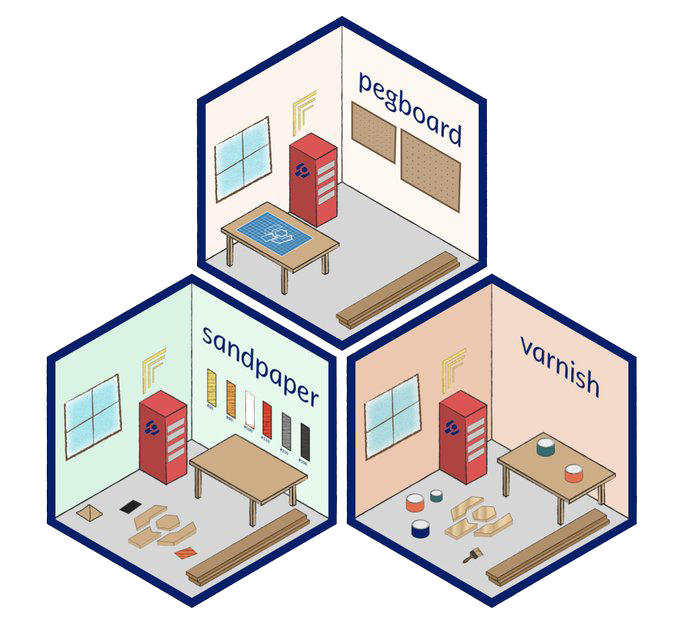
The #CarpentriesWorkbench beta phase is now finished! 🎉 From now until May, we will slowly transition our lessons to our new lesson infrastructure. Check out related tweets, blog posts, and community discussions this month to get the latest information. Thank you to the Maintainers and Instructors for beta testing and providing feedback!