
nev · @nev
1343 followers · 19383 posts · Server bananachips.club
OK, so here's what I set up to post to Mastodon by texting: https://pipedream.com/new?h=tch_39YfXl
Pipedream is a connecting-service thingy that hooks up various other thingies, including Twilio (commonly included with such services) and the Mastodon API (less common).
You'll need a Twilio account, you get $15 of credit on sign up. US/Canada phone numbers, at least, are cheap ($1.15/month).
I'm sure if I were more code-savvy I could do it for cheap with my existing Voip.ms number and the API and web hooks (I barely know what those are) but whatever.
I don't have it running now, it's just a test. But, if I need it to, it should work perfectly well for my needs (1 or 2 days of texting and then never again). Please don't ask why.
nev · @nev
1336 followers · 19197 posts · Server bananachips.club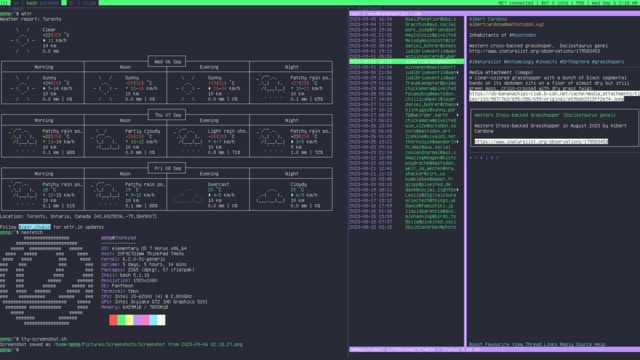
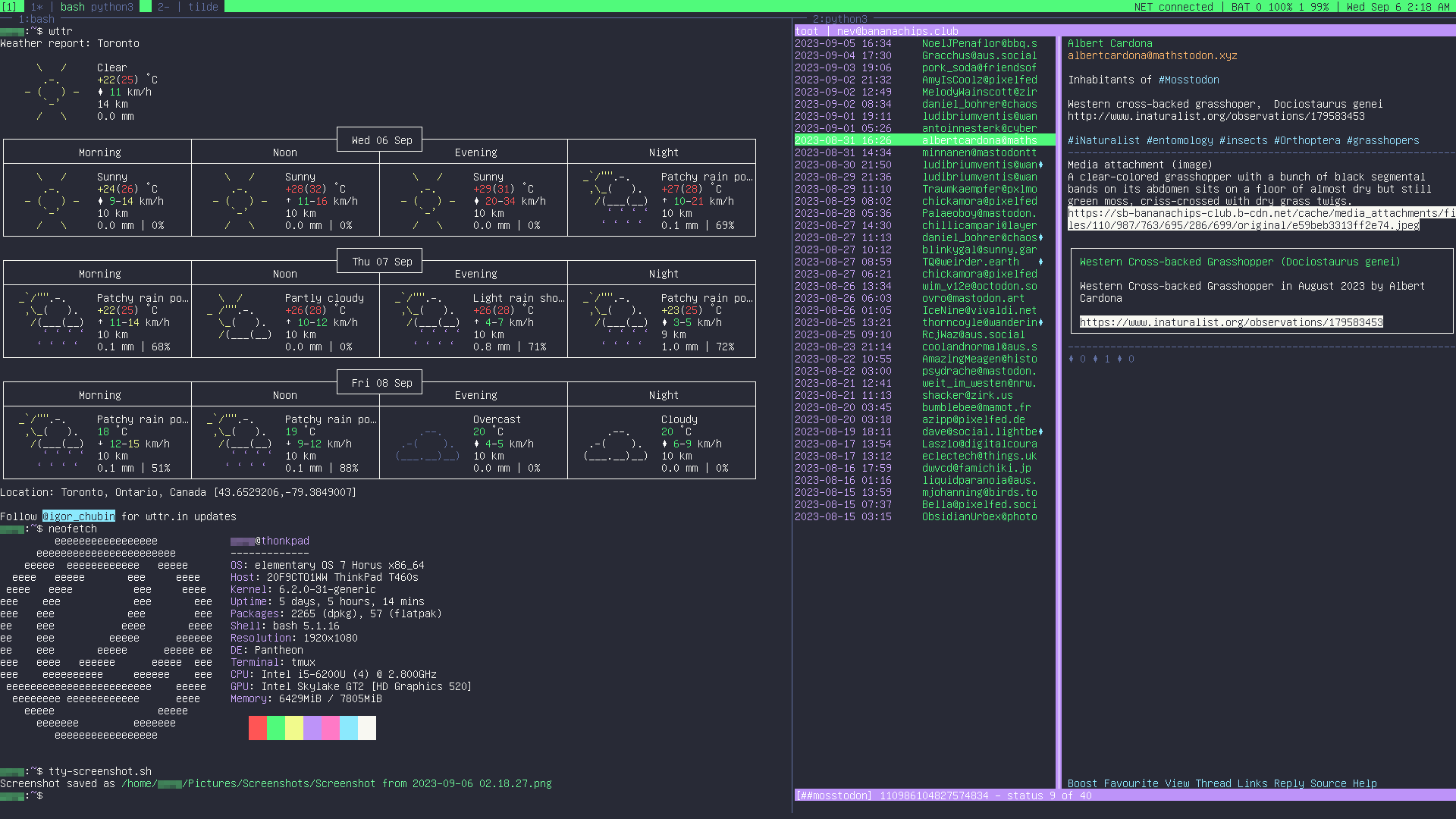
i just wanted to show off my #tmux setup…
the script:
screenshot=~/Pictures/Screenshots/Screenshot\ from\ "$(date '+%F %H.%M.%S')"
sudo fbcat > "$screenshot".ppm
mogrify -format png "$screenshot".ppm
i really wanted something more compact than that, but you see how it's tricky?
#tmux #bash #imagemagick #linux #computeing
nev · @nev
1336 followers · 19191 posts · Server bananachips.clubOkay #bash #imagemagick #linux aficionados: how do i tell computer "convert timestamp.png timestamp.jpg" *without having to type the second filename out*?
Like a shortcut for "whatever that first filename was, without the extension" so I can just do "convert timestamp.png $SHORTCUT.jpg"?
The filename is the timestamp (to the second) when it was created, so I do not know it ahead of time.
#bash #imagemagick #linux #computeing
nev · @nev
1147 followers · 16284 posts · Server bananachips.clubOkay, don't aſk me why I want to do this, as I myſelf don't quite know, but…
Is there a monoſpace font ſuitable for uſe in a terminal emulator that implements the "long s" (ſ)? So that I can type e. g.
> ſudo apt inſtall
inſtead of
> sudo apt install
(but, of courſe, an "s" at the end of words would not be long.)
Does this alſo require a terminal emulator that ſupports OpenType features?
#typography #computeing #fonts
nev · @nev
1023 followers · 15048 posts · Server bananachips.clubpals, 2MMIS has an API so I'm going to have to learn how to, well, work with an API.
like, documentation for other APIs I have seen says stuff like "send GET request to this endpoint" but like, literally how do I do that. what program do I open.
nev · @nev
1018 followers · 14980 posts · Server bananachips.clubi'm really proud of myself: I didn't like the way an extension worked, so for the past several days during free moments I've been trying to get my head around it, found a discussion forum thread where I looked at how other people changed it, fiddled around, read up on the language, and actually produced a working version that I think improves on the original!! it required a freaking FOR LOOP which is a programming concept that until now utterly stymied me. i am really proud of how i solved it!!!
nev · @nev
1017 followers · 14951 posts · Server bananachips.clubNow that @crossposter is shutting down for realsies, I am going to try to install my own personal instance of it. The problem is that all the documentation is written for people with much more knowledge and experience.
So far I've installed #Docker on the computer I also have #Yunohost on. I need to install the crossposter docky thing. I do not know if I have to install any other programs like Node or Redis or postgresql??? I think I need to do something with ports? I barely know what a port is let alone how to "open" it or let it "listen" to things.
I also gather the Docker app can be integrated with Yunohost somehow via Yunohost's redirect app?
Anyway stay tuned for more exciting developments
#docker #yunohost #nevscrossposteradventure #computeing
