
Bok · @bok
37 followers · 229 posts · Server lor.shAnyone have a clue why #QMK does nothing for me? I have the hex file from QMK #Configurator. QMK is installed on #LinuxMint. When I type `qmk` I get a page-long help screen, and `qmk doctor` shows no errors. With the keyboard unplugged, I was told to enter
`qmk flash --dry-run lily58_glow_enc_bok.hex`
As response, I get
`Flashing binary firmware...
Please reset your keyboard into bootloader mode now!
Press Ctrl-C to exit.`
With the two halves of the keyboard connected by the TRRS cable and the USB cable plugged into the keyboard's left half, I hold down both reset buttons and plug the keyboard into my PC, count to three, then let go of the reset buttons.
Nothing happens, and I have Ctrl+C out. Is QMK not installed properly despite the help screen? Would this be easier on Windows? Also, `--dry-run` is not an option on the help screen, yet running without that option produces the same nothingness. #MechanicalKeyboards
#qmk #configurator #linuxmint #mechanicalkeyboards
hfaust · @hfaust
7 followers · 96 posts · Server mastodon.social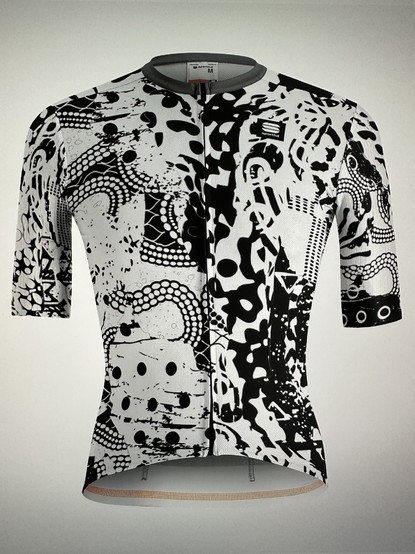
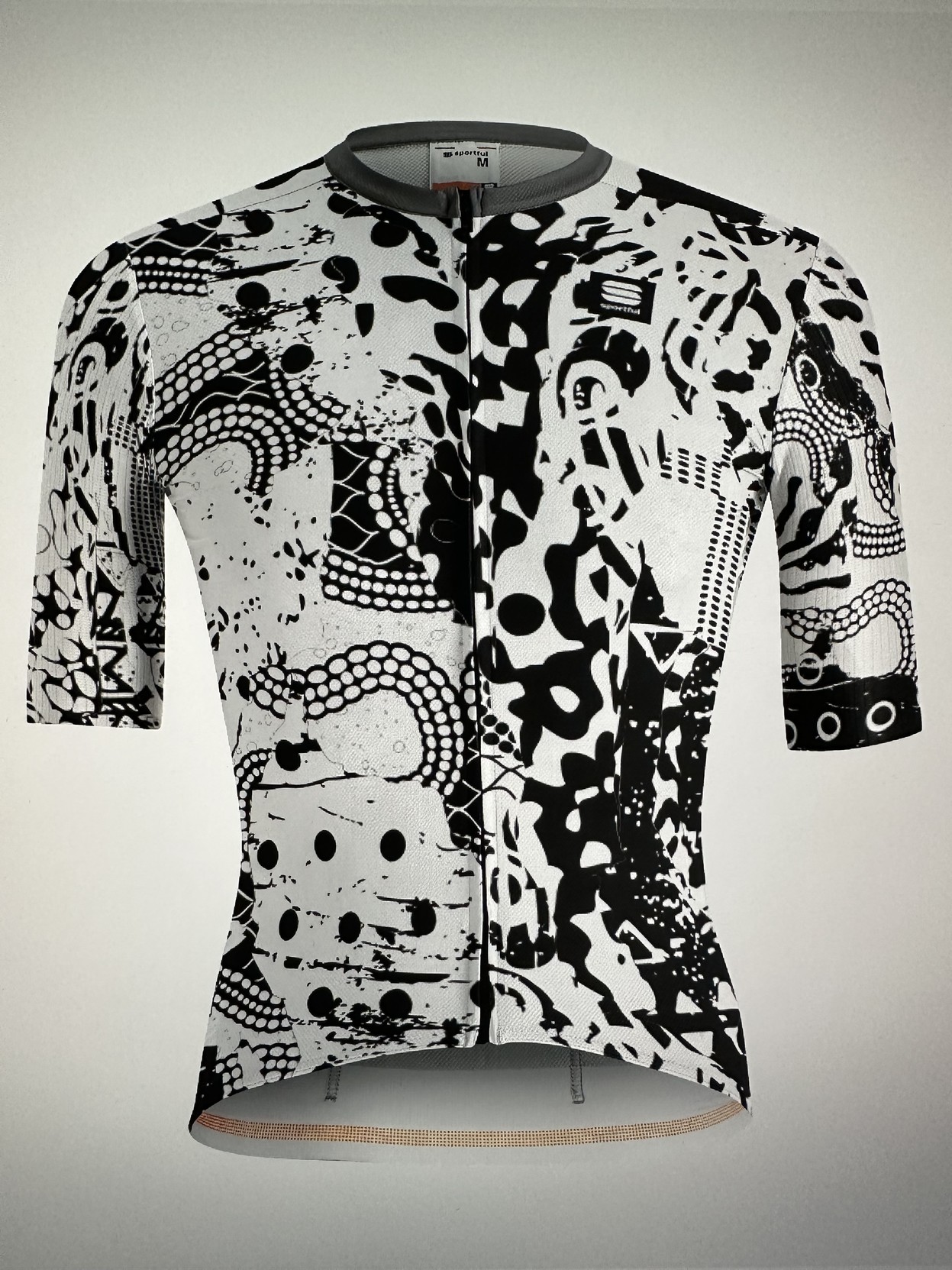
try the very cool #sportful #configurator for #cyclingcloths https://www.sportful.com/AT/de/custom-landing
#sportful #configurator #cyclingcloths #roadbike #cycling

meka · @meka
274 followers · 1190 posts · Server bsd.network@tuxedocomputers when picking my next hardware I'm infinately patient. Please do inquire about https://www.tuxedocomputers.com/en/Linux-Hardware/Linux-Notebooks/10-14-inch/TUXEDO-Pulse-14-Gen1.tuxedo#!#configurator with Ryzen 7 and WiFi included. Thank you! @MacLemon

S31bz :linux: · @s31bz
126 followers · 5805 posts · Server linuxrocks.online

RT @system76@twitter.com
Download the System76 Keyboard Configurator! Customize your keyboard using this application with Launch or any laptop that supports System76 Open Firmware. You can download it here: https://s76.co/keyboardconfig_app
#System76 #Keyboard #Configurator #App #Customize #DownloadNow #Firmware
#firmware #downloadnow #customize #app #configurator #keyboard #system76