
Judith Rosmalen · @JudithRosmalen
315 followers · 113 posts · Server akademienl.social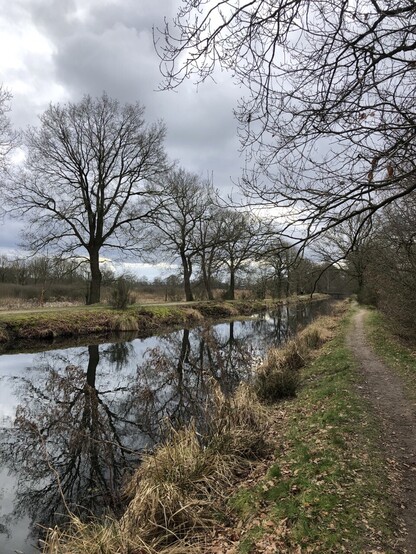
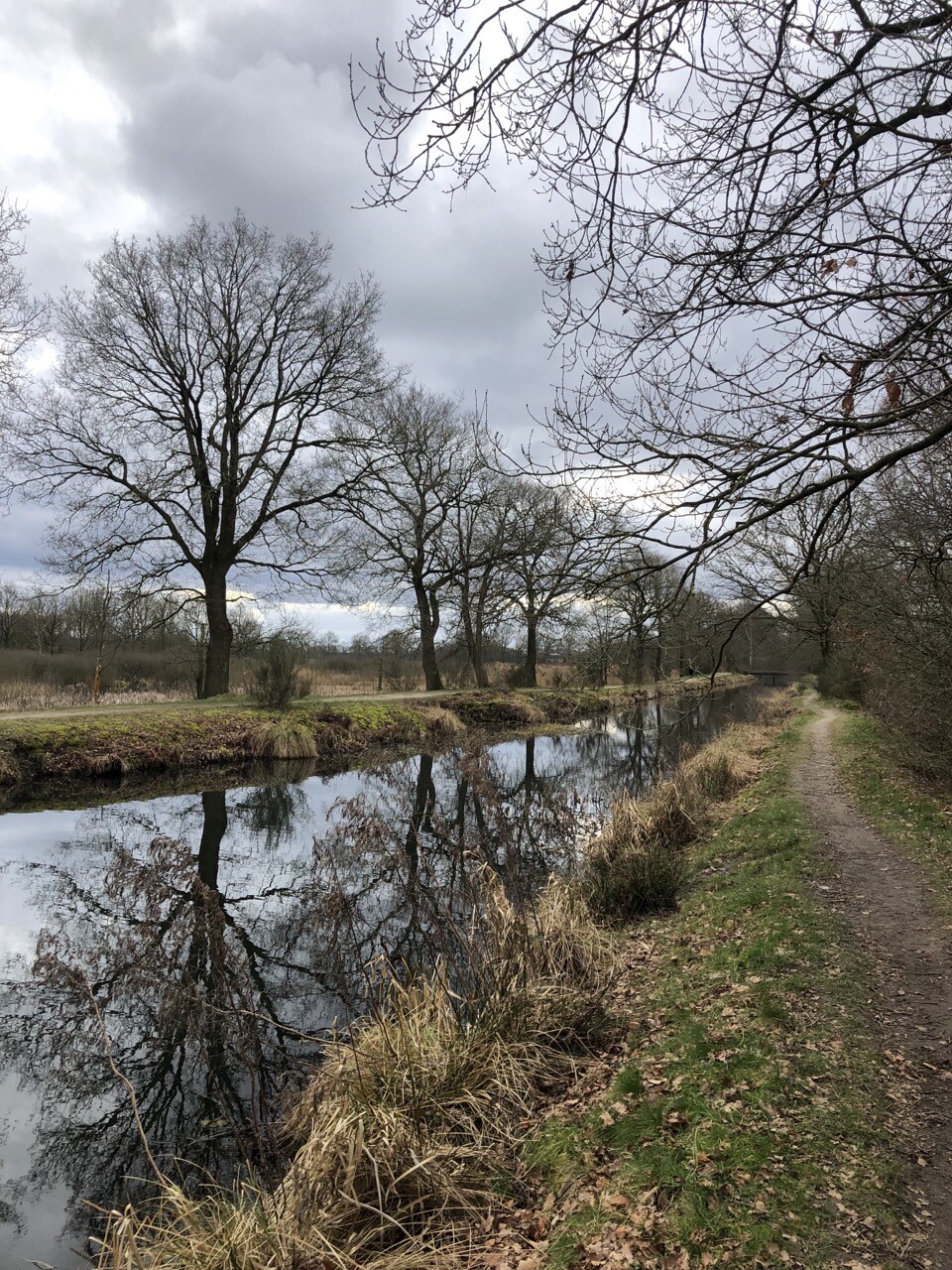
Vandaag het #Boswachterspad #Erfgoedroute Kop van Drenthe gelopen. Mooie afwisselende route, over het Noordsche veld en langs het prachtige Zeijerwiek. Met natuurlijk ook een hunebed, #D5 dit keer. Aanrader! #wandelen
#boswachterspad #erfgoedroute #d5 #Wandelen
Judith Rosmalen · @JudithRosmalen
315 followers · 113 posts · Server akademienl.socialVandaag het #Boswachterspad #Erfgoedroute Kop van Drenthe gelopen. Mooie afwisselende route, over het Noordsche veld en langs het prachtige Zeijerwiek. Met natuurlijk ook een hunebed, #D5 dit keer. Aanrader!
#boswachterspad #erfgoedroute #d5

pafurijaz · @pafurijaz
84 followers · 254 posts · Server mstdn.social
From China with Love #D5 a new commercial realtime render engine also with a free version, it's takes his space between Omniverse and UE5.
Compatible with #blender3d, #3dMax, Rhino, ArchiCAD, Revit, and more..

Mare. · @maremare
61 followers · 222 posts · Server mastodon.social

codesections · @codesections
2554 followers · 8513 posts · Server fosstodon.org> I bodged together a little script that gets my ip with wget ipecho.net - I then hooked into api.dreamhost.com (my domain and dns provider), compares that ip to the one in the dns record and if its changed, it pushes an update.
Yeah, that's not that different from the approach I've taken with #d5. The main difference is that d5 offers a self-hosted version of ipecho (and that it doesn't automatically push an update to the dns record, though that would be easy to add)
codesections · @codesections
2588 followers · 8522 posts · Server fosstodon.org> I bodged together a little script that gets my ip with wget ipecho.net - I then hooked into api.dreamhost.com (my domain and dns provider), compares that ip to the one in the dns record and if its changed, it pushes an update.
Yeah, that's not that different from the approach I've taken with #d5. The main difference is that d5 offers a self-hosted version of ipecho (and that it doesn't automatically push an update to the dns record, though that would be easy to add)
codesections · @codesections
2554 followers · 8513 posts · Server fosstodon.orgThus, with #d5, you *don't* get a pretty, human readable URL for your PC, just a way to access the current IP address. If you *want* a human-readable URL, you can combine d5 with DNS Lexicon and automatically update DNS records yourself. https://github.com/AnalogJ/lexicon
> is it such a good idea to send the username and password instead of a randomized string
The username & password are unique to d5; they're just a way to identify which IP address you want (more of a token, really)
codesections · @codesections
2588 followers · 8522 posts · Server fosstodon.org


Thus, with #d5, you *don't* get a pretty, human readable URL for your PC, just a way to access the current IP address. If you *want* a human-readable URL, you can combine d5 with DNS Lexicon and automatically update DNS records yourself. https://github.com/AnalogJ/lexicon
> is it such a good idea to send the username and password instead of a randomized string
The username & password are unique to d5; they're just a way to identify which IP address you want (more of a token, really)
codesections · @codesections
2554 followers · 8513 posts · Server fosstodon.org#d5 starts basically the same—with a cron job (or whatever) to ping your d5 server; the difference is that you send a username–password pair too. (with the d5 server being d5.codesections.com or your selfhosted server). d5 keeps that IP & username–password in memory.
To connect to your PC, you run `ssh $(curl -u $USER:$PASSWORD)`. The curl command returns the current IP for your PC, and lets SSH use it as normal.
No DNS records are updated, and no external server has your IP
codesections · @codesections
2588 followers · 8522 posts · Server fosstodon.org#d5 starts basically the same—with a cron job (or whatever) to ping your d5 server; the difference is that you send a username–password pair too. (with the d5 server being d5.codesections.com or your selfhosted server). d5 keeps that IP & username–password in memory.
To connect to your PC, you run `ssh $(curl -u $USER:$PASSWORD)`. The curl command returns the current IP for your PC, and lets SSH use it as normal.
No DNS records are updated, and no external server has your IP
codesections · @codesections
2554 followers · 8513 posts · Server fosstodon.org@grainloom asked how my #d5 project compares to #duckDNS, and I thought others might be curious
tl;dr: d5 connects you to your home PC without updating DNS records (or involve a 3rd party)
With DuckDNS, you set a cron job (or whatever) to ping DuckDNS's server. It stores your IP address in their DB and updates DNS records.
To connect to your PC, you run `ssh $NAME_YOU_PICKED.duckdns.org` (or something else if you're not using SSH). DuckDNS redirects this to the current IP of your PC
(1/n)
codesections · @codesections
2588 followers · 8522 posts · Server fosstodon.org@grainloom asked how my #d5 project compares to #duckDNS, and I thought others might be curious
tl;dr: d5 connects you to your home PC without updating DNS records (or involve a 3rd party)
With DuckDNS, you set a cron job (or whatever) to ping DuckDNS's server. It stores your IP address in their DB and updates DNS records.
To connect to your PC, you run `ssh $NAME_YOU_PICKED.duckdns.org` (or something else if you're not using SSH). DuckDNS redirects this to the current IP of your PC
(1/n)

마키스칼 · @makhiscal
166 followers · 5244 posts · Server mastodon.social#D5: #Q LES DESEA, #FELIZ #NAVIDAD
https://hooktube.com/watch?v=3syD2FQRmPo