
I Like FLOSS :kdelight: · @poggers69420pogchamplmaololpog
56 followers · 509 posts · Server fosstodon.org
Scruffy Dux :krita: :inkscape: · @ScruffyDux
27 followers · 126 posts · Server fosstodon.org#KDEtips Did you know you can create symlinks using Dolphin, and all you have to do is drag and drop a file from one place to another?
An option to create a symlink will pop up, you select the option, and a symlink is made. Easy.
Scruffy Dux :krita: :inkscape: · @ScruffyDux
27 followers · 125 posts · Server fosstodon.org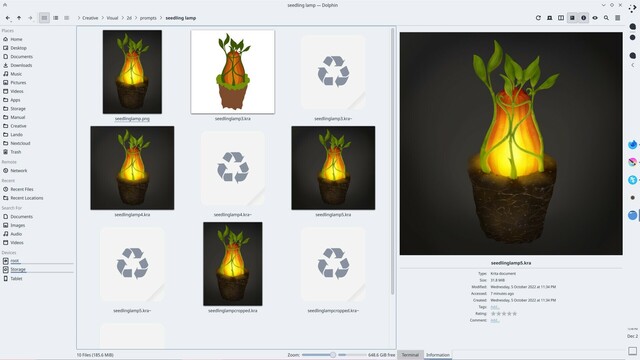
#KDEtips Did you know you can have applications apply different color schemes at the window level? This is fantastic to keep a consistent look across apps that might use different colors within.
I pair this feature with Latte dock's ability to change color according to which app is in focus.
This effectively gives me multiple color schemes. I use light by default, nord or ayu on coding apps, and dark in art apps. You can see this in the attached images of Dolphin, Kate and Krita.
Scruffy Dux :krita: :inkscape: · @ScruffyDux
27 followers · 126 posts · Server fosstodon.org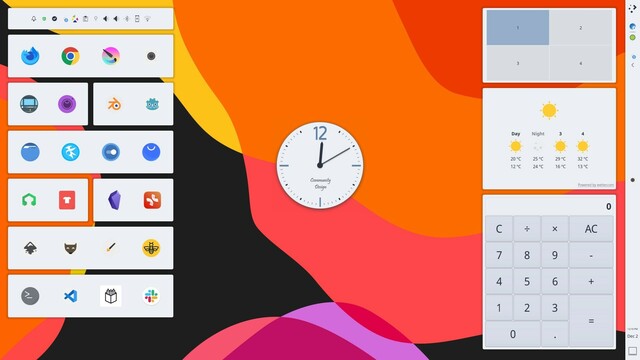
#KDEtips It's widely known you can customise a Plasma desktop to be like any of the other desktops out there.
But you can also tightly fit your layout to your own unique use case, because of the different ways #KDE gives you to set things up.
For example, I only have my system tray on my desktop instead of in a panel. I have a collection of quick launchers there too to get sessions going fast. And because I use a touch based monitor my single panel is on the right, under my dominant hand.
Scruffy Dux :krita: :inkscape: · @ScruffyDux
27 followers · 126 posts · Server fosstodon.org#KDEtips This one is also a @krita tip.
Did you know you can add the color picker widget to one of your panels, then use it to pick a color from any place on your screen, no matter the application?
And even cooler, if you have a document open in #Krita, you can drag the picked color from the widget and into Krita, and a new layer will be made filled with that color.
Scruffy Dux :krita: :inkscape: · @ScruffyDux
26 followers · 122 posts · Server fosstodon.org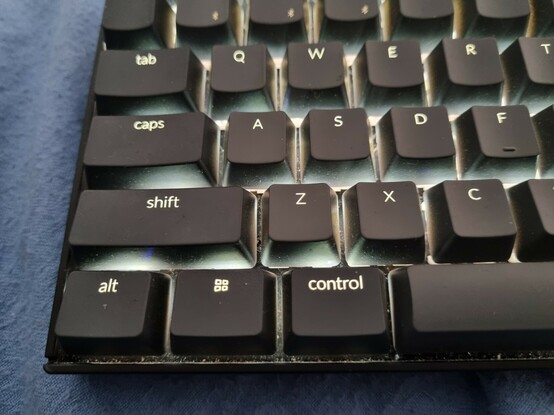
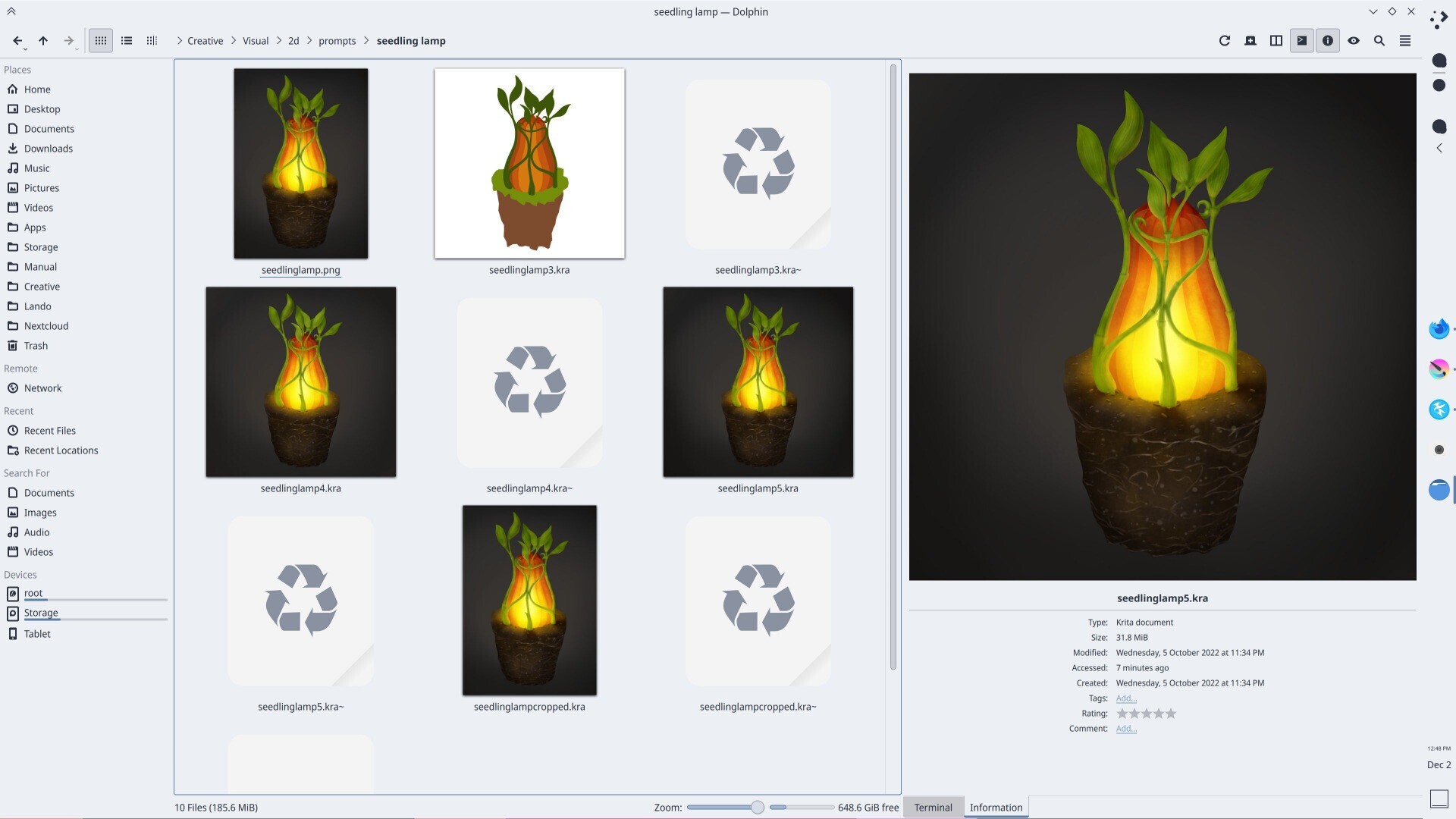
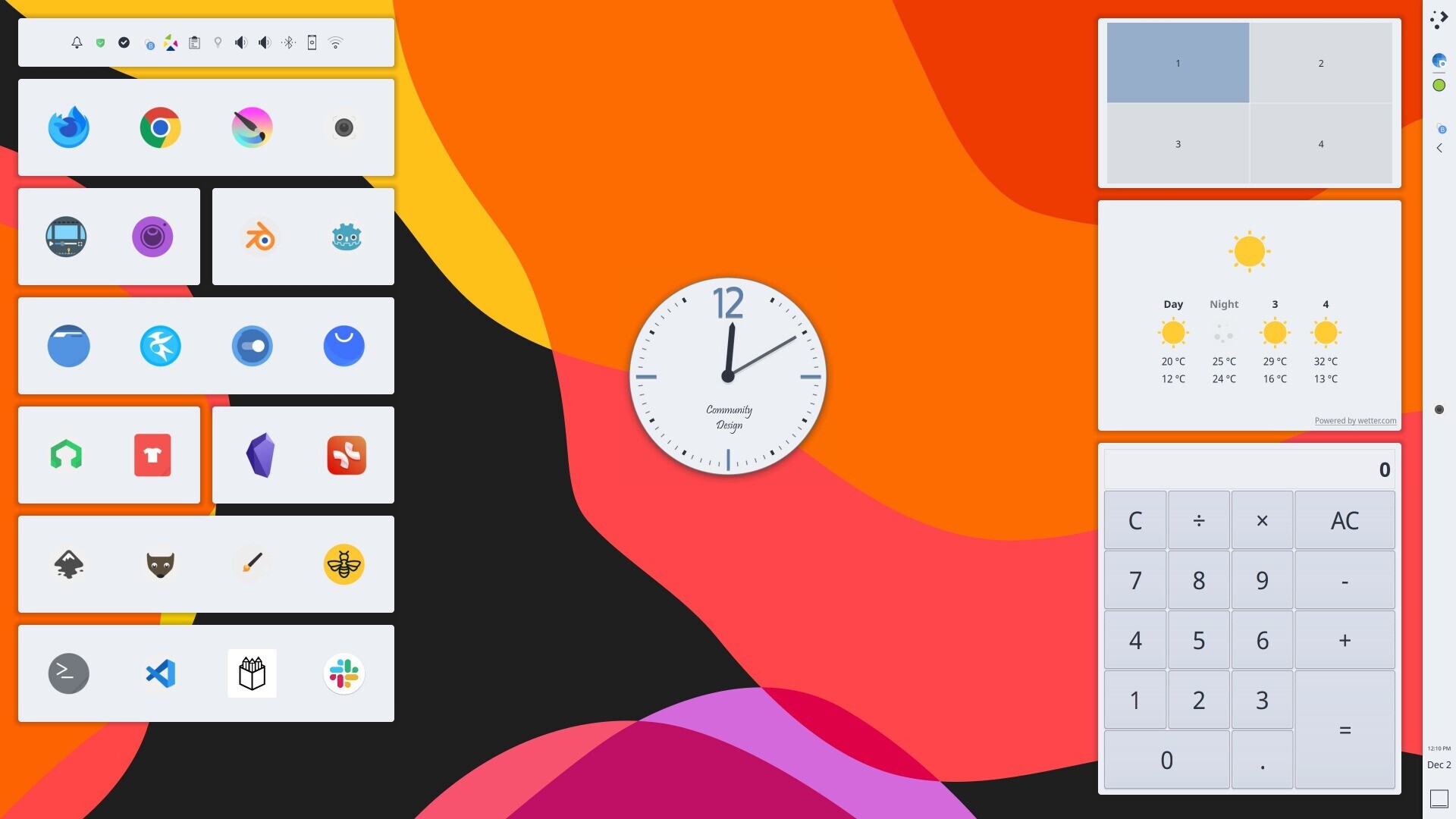
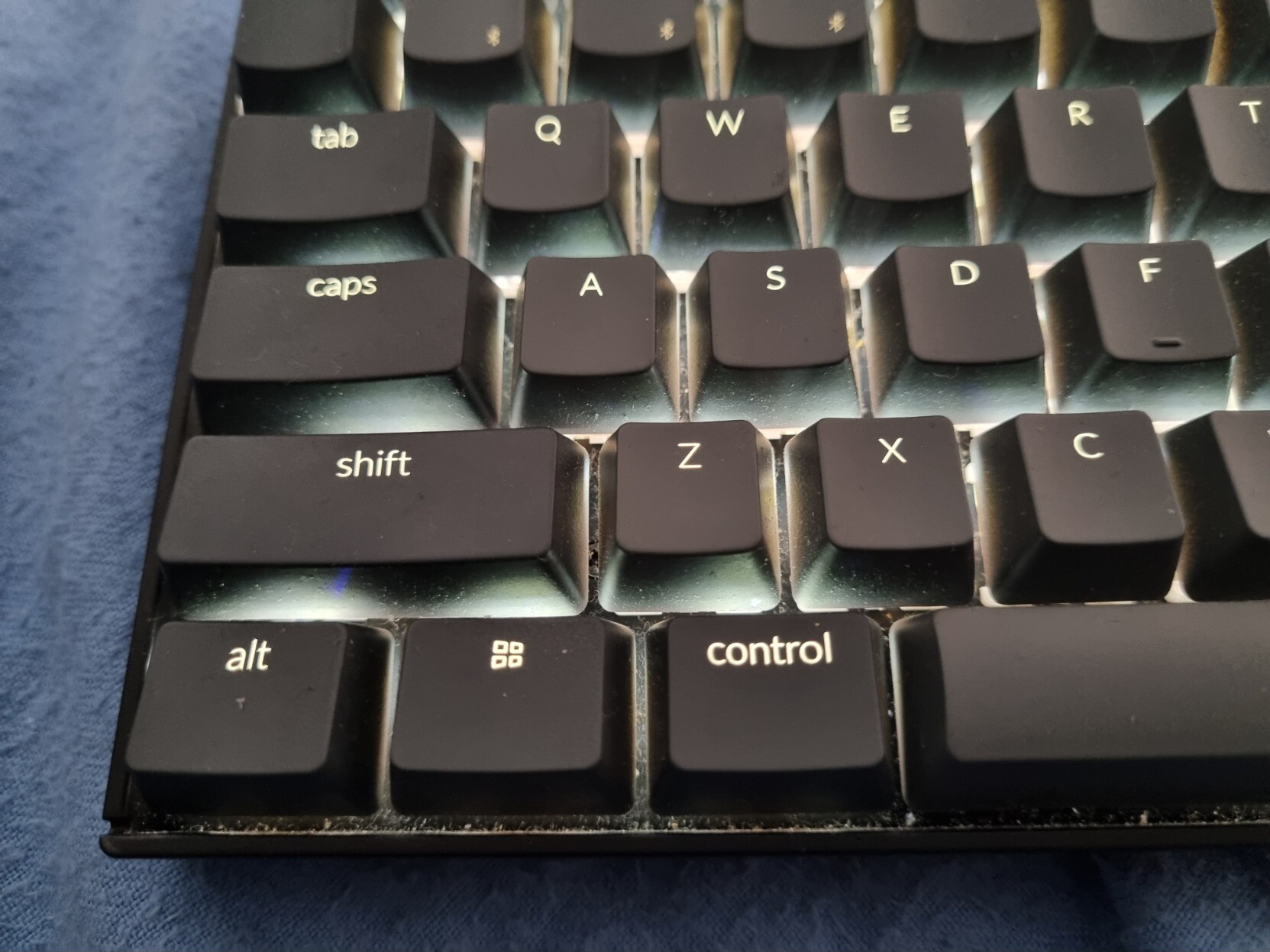
#KDEtips If you have a keyboard with swappable keys, you can swap the ALT and CTRL keys, then easily go into the system settings keyboard section and swap the keys to match.
This is great for better ergonomics to save your pinky finger, or if you are used to the key layout on a Mac keyboard.
Scruffy Dux :krita: :inkscape: · @ScruffyDux
26 followers · 121 posts · Server fosstodon.org#KDEtips Did you know you can use Dolphin as an FTP client?
Once you connect to your server, you can browse the files the same way you do local files.
Even better, if you open a file in Kate and edit it, when you save it the changes will automatically upload to the server.
Great for making quick changes to live websites, for example.
Scruffy Dux :krita: :inkscape: · @ScruffyDux
26 followers · 120 posts · Server fosstodon.orgAfter watching the video from @thelinuxEXP about some of the lesser known power in @kde I want to share some of the things I've been delighted to stumble on.
I'm going to use the hastag #KDEtips and I think it would be really cool if a bunch of #KDE fans shared their tips as well.
Tips below.