
pafurijaz · @pafurijaz
194 followers · 1666 posts · Server mstdn.social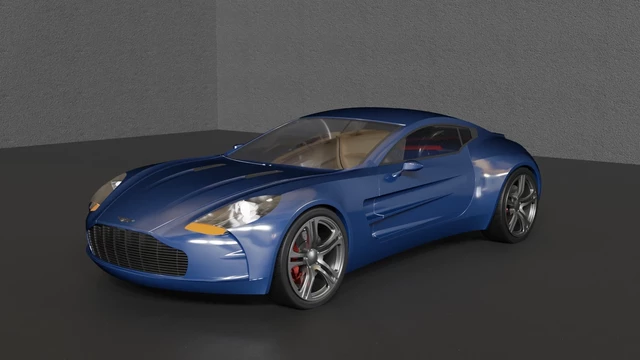
The #Plasticity3D meshing preserve fine details and make pretty light files, I wasn't never able to do that with Moi3D, with #Moi3D setting is always problematic task for me, with Plasticity one click at voilà! #b3d #Blender3D #Blender
Model from GrabCAD
#Blender #blender3d #b3d #moi3d #plasticity3d
pafurijaz · @pafurijaz
192 followers · 1651 posts · Server mstdn.social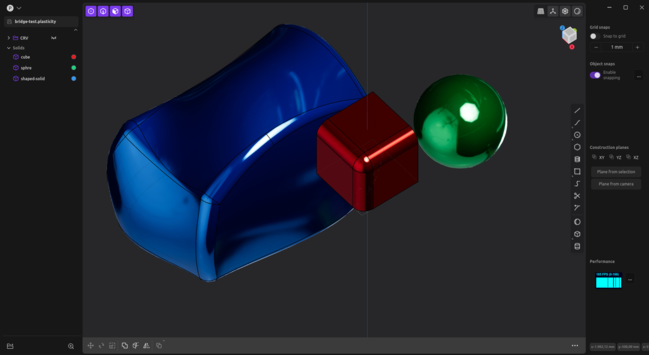
I've test the meshing with default setting and works perfectly.
I’ve never tried anything more fantastic as a link between a #CAD and #Blender.
The bridge between #Plasticity3D and #Blender3D without making any changes to the default settings I get a perfect results for rendering.
The tessellation is practically instantaneous also with very huge file, I can make changes in the CAD and keep changes to materials or transformations, and that’s just the beginning, awesome. #b3d
#b3d #blender3d #plasticity3d #Blender #cad
pafurijaz · @pafurijaz
191 followers · 1648 posts · Server mstdn.social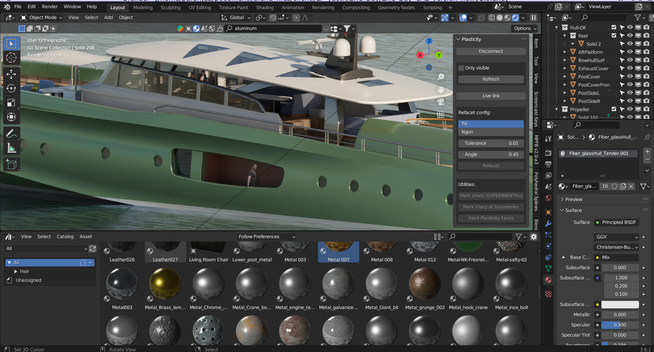
With this add-on no more passages for import and export between #Plasticity3D and #Blender3D and it's fast and is only the first beta. I can't imagine what he can do in the future, now you can make already many thing and preserve connections without troubles. #b3d #Blender #CAD
#cad #Blender #b3d #blender3d #plasticity3d
pafurijaz · @pafurijaz
188 followers · 1619 posts · Server mstdn.social
And so it's begun, the story of #Blender3D and #Plasticity3D, a love story💘! #b3d #Blender #CAD
This is the first draft of Blender bridge!
#cad #Blender #b3d #plasticity3d #blender3d
pafurijaz · @pafurijaz
187 followers · 1609 posts · Server mstdn.social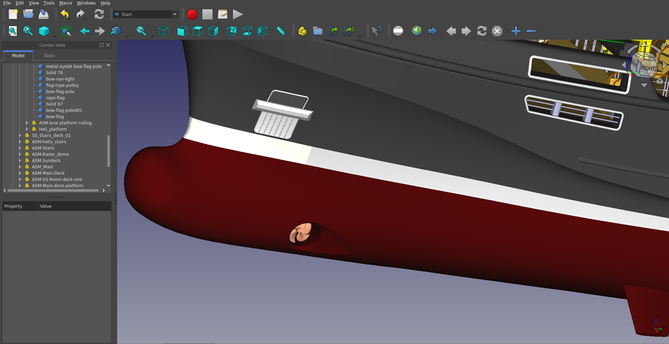
pafurijaz · @pafurijaz
179 followers · 1441 posts · Server mstdn.social
#Plasticity3D a quick view of news on the applications. #CAD #Linux #MacOs #Windows
https://youtu.be/1cUItnZF1II
#Windows #macOS #Linux #cad #plasticity3d
pafurijaz · @pafurijaz
177 followers · 1427 posts · Server mstdn.social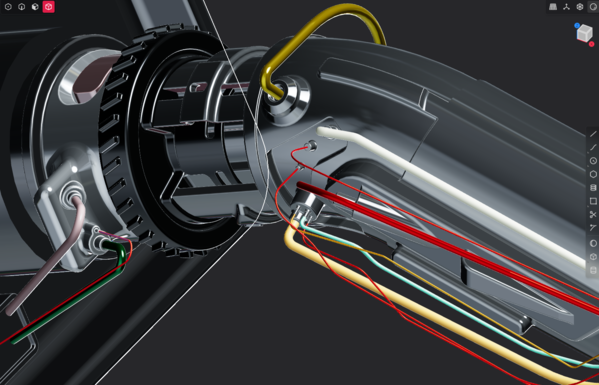
Is Out the new version 1.2 of #Plasticity3D #CAD,🥳 is the best CAD that I ever used, I can't live without it, because works very fine, is fast and extremely precise. nothing comparable with other available in #Linux, however is also cross platform and there are versions for each other OS.
All images attached is from other user and used only as a showcase of what is possibile to do in this CAD.
pafurijaz · @pafurijaz
176 followers · 1398 posts · Server mstdn.socialMany are upgrading from the Indie to the Studio version of #Plasticity3D, not because they won't get updates with the new versions, on the contrary they will have practically the same functions, every couple of months, like the others, those with the Studio they also act as a debugger , but I understand them, how can you not immediately want the amazing new features that are added?
A very long list. #CAD
pafurijaz · @pafurijaz
152 followers · 1267 posts · Server mstdn.socialA simple feature request, the empty groups highlighted with a grey color like as for hided geometries or something similar.
A vote can change a lot. Please vote this simple feature that can be easily implemented #Plasticity3D https://plasticity.canny.io/feature-requests/p/empty-groups-highliting-in-dark-grey
pafurijaz · @pafurijaz
150 followers · 1191 posts · Server mstdn.social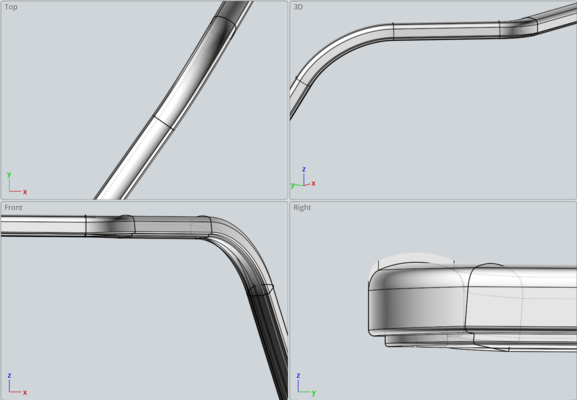
Here in this post I had trouble to make an handrail all at once with constrained base parallel to the ground, but isn't possible, however that don't mean isn't possible to make such things in CAD it require a different approach, in fact is possible by splinting it in many pieces and you get a perfect solid with #Moi3D and #plasticity3d https://mstdn.social/@pafurijaz/110649540660929018 and with a base parallel to the ground.
pafurijaz · @pafurijaz
144 followers · 1165 posts · Server mstdn.social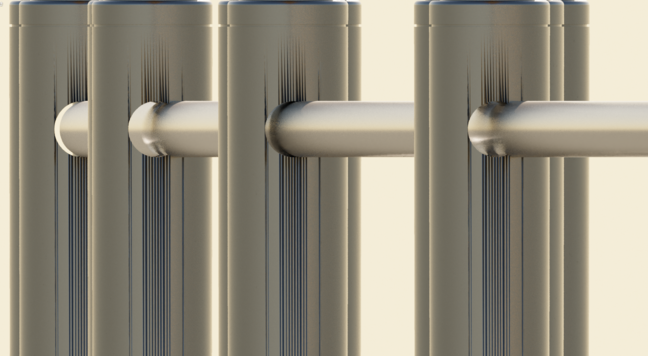
I can say that with this test. #Plasticity3D is better also in the meshing, the on left image, are very heavy poly meshes, too dense meshes exported with #Moi3D and on the right are exported with Plasticity and using a simple setting, and are much lighter an better, from now I can use as well Plasticity to #export meshes for #rendering.
If you look well the poles exported by Moi3D has many errors in the side where there is the holes. #CAD😎
#cad #rendering #export #moi3d #plasticity3d
pafurijaz · @pafurijaz
144 followers · 1147 posts · Server mstdn.socialIf you use #Plasticity3D, and import the obj in #Blender you absolutely mustn't touch the normals of the meshes, otherwise you mess up everything, they are already perfect as they are exported, I always thought they were faceted meshes they are not, just apply materials and UVmap. #b3d #Blender3D
#blender3d #b3d #Blender #plasticity3d
pafurijaz · @pafurijaz
143 followers · 990 posts · Server mstdn.social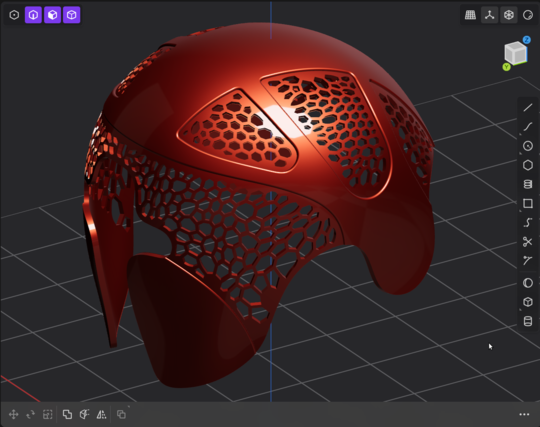
Last try totally procedural, from a mesh exported by #plasticity3d and #edit with #Blender. #b3d #blender #blender3D
#blender3d #b3d #Blender #edit #plasticity3d
pafurijaz · @pafurijaz
142 followers · 1000 posts · Server mstdn.socialLast try totally procedural, from a mesh exported by #plasticity3d and #edit with #Blender, although that's not what I was trying to do it's not a bad this pattern on a grid, and it took little to do, which is very important. #b3d #blender #blender3D
#blender3d #b3d #Blender #edit #plasticity3d
pafurijaz · @pafurijaz
140 followers · 962 posts · Server mstdn.social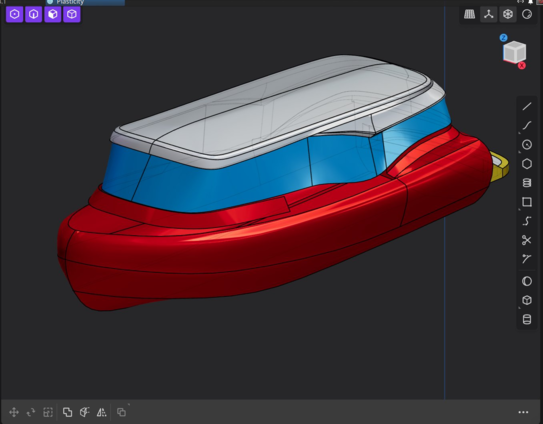
#Plasticity3D is precise and flexible, and you can make all kinds of #CAD models with little effort.
This is the continuation of a concept without too much care, then as soon as he has more time I'll do something decent. made also with #blender where I've created the spline cages of surfaces.
pafurijaz · @pafurijaz
140 followers · 962 posts · Server mstdn.social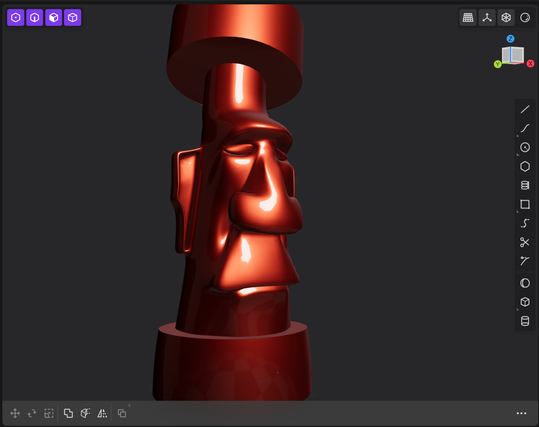
For fun but made with SubD #Moi3D #Plasticity3D #Blender3D
#blender3d #plasticity3d #moi3d
pafurijaz · @pafurijaz
140 followers · 962 posts · Server mstdn.socialTest to verify if the #Blender's SubD splines cages exported as #DXF are usable in #Plasticity3D, and seem to me they are. any way with Plasticity this strange workflow is a bit useless, but I've many studies with Blender and for me is time saving #b3d #Blender3D #CAD
#cad #blender3d #b3d #plasticity3d #dxf #Blender
pafurijaz · @pafurijaz
140 followers · 962 posts · Server mstdn.social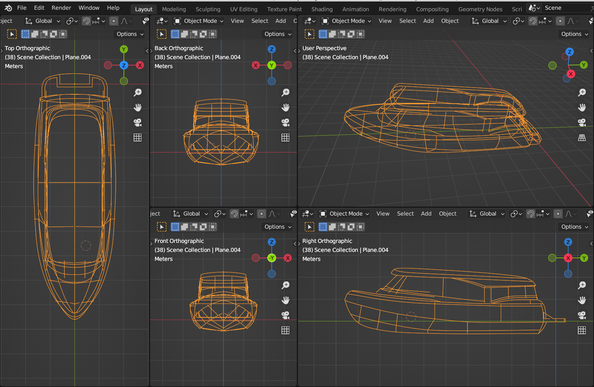
Another workflow that allow you to export 3D curve into a #CAD is by exporting them into DXF, but #Blender's add-on export a multi segmented #DXF and create a bit heavy files, anyway import the exported DXF into #FreeCAD where you have the possibility to edit with Cuves Workbench and making these segments better by joining them and perform a command to convert into beziér curves with its tools ( more info for WB Curves in web) #b3d #fc3d #plasticity3D
#plasticity3d #fc3d #b3d #freecad #dxf #Blender #cad
pafurijaz · @pafurijaz
135 followers · 841 posts · Server mstdn.socialI was making a model as an example for one and with the blender add-on exporting to IGES there are some critical points like poles corners, which have visible defects, but just delete them and with a click of the mouse rebuild the surfaces with a G2 continuity. #plasticity3D
pafurijaz · @pafurijaz
135 followers · 794 posts · Server mstdn.social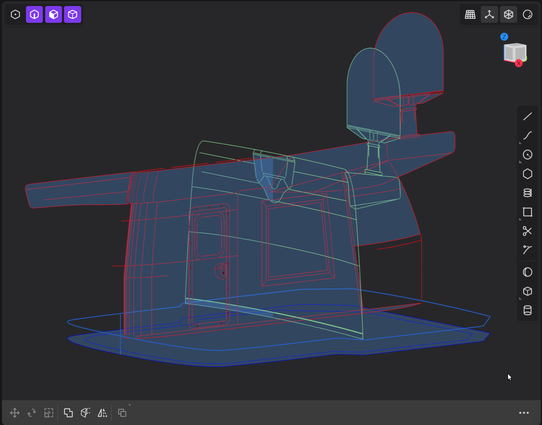
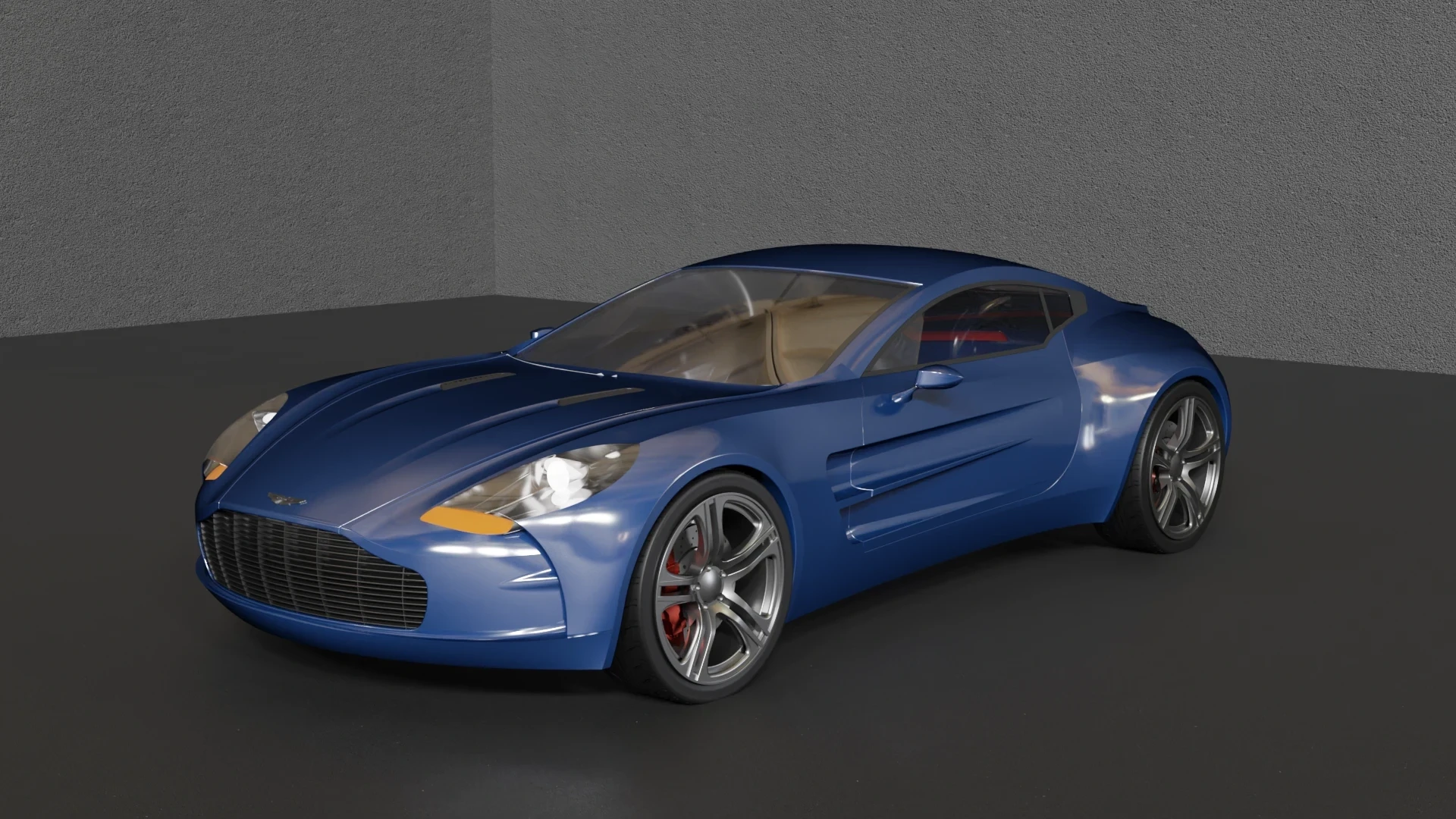
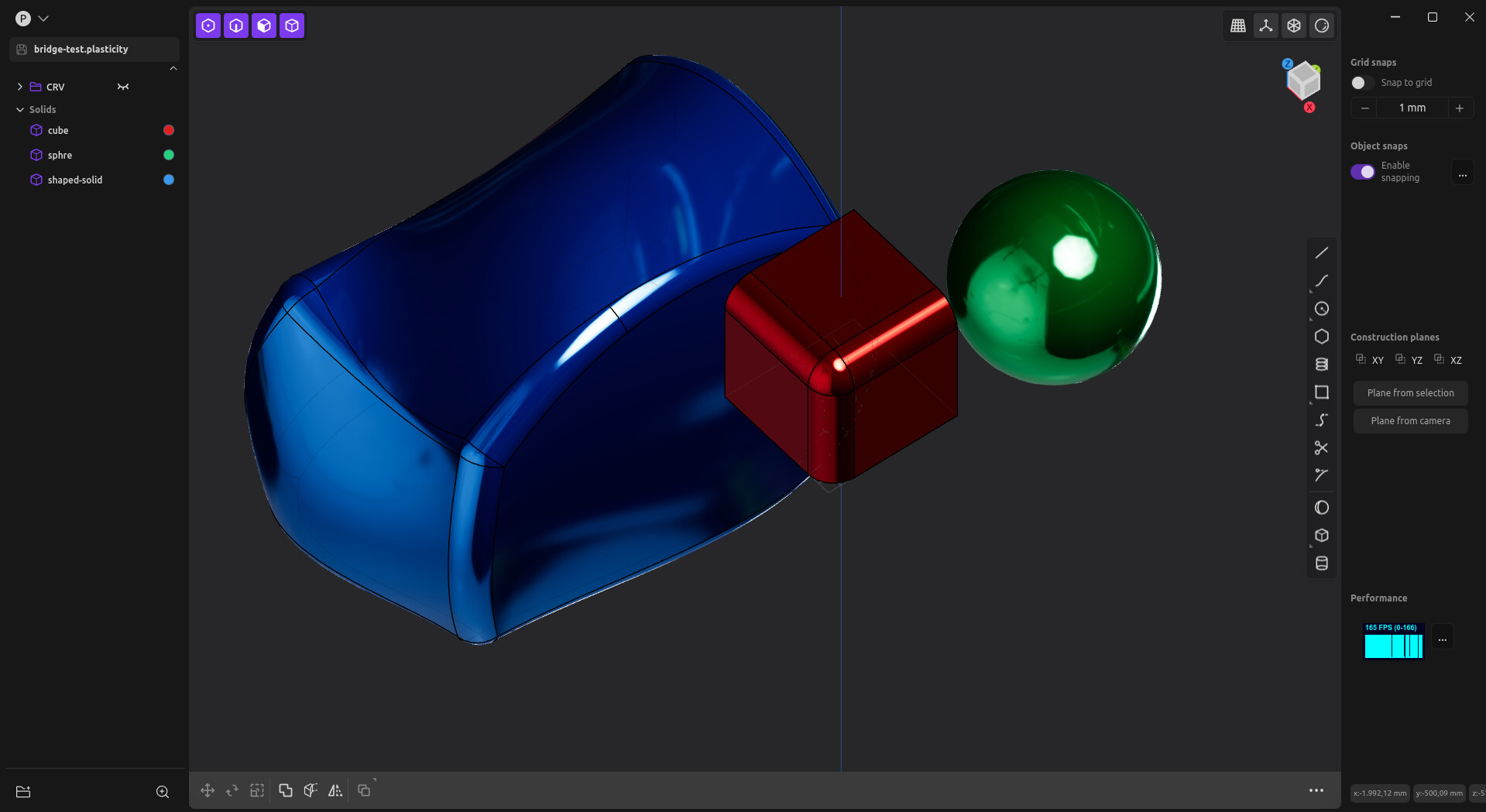
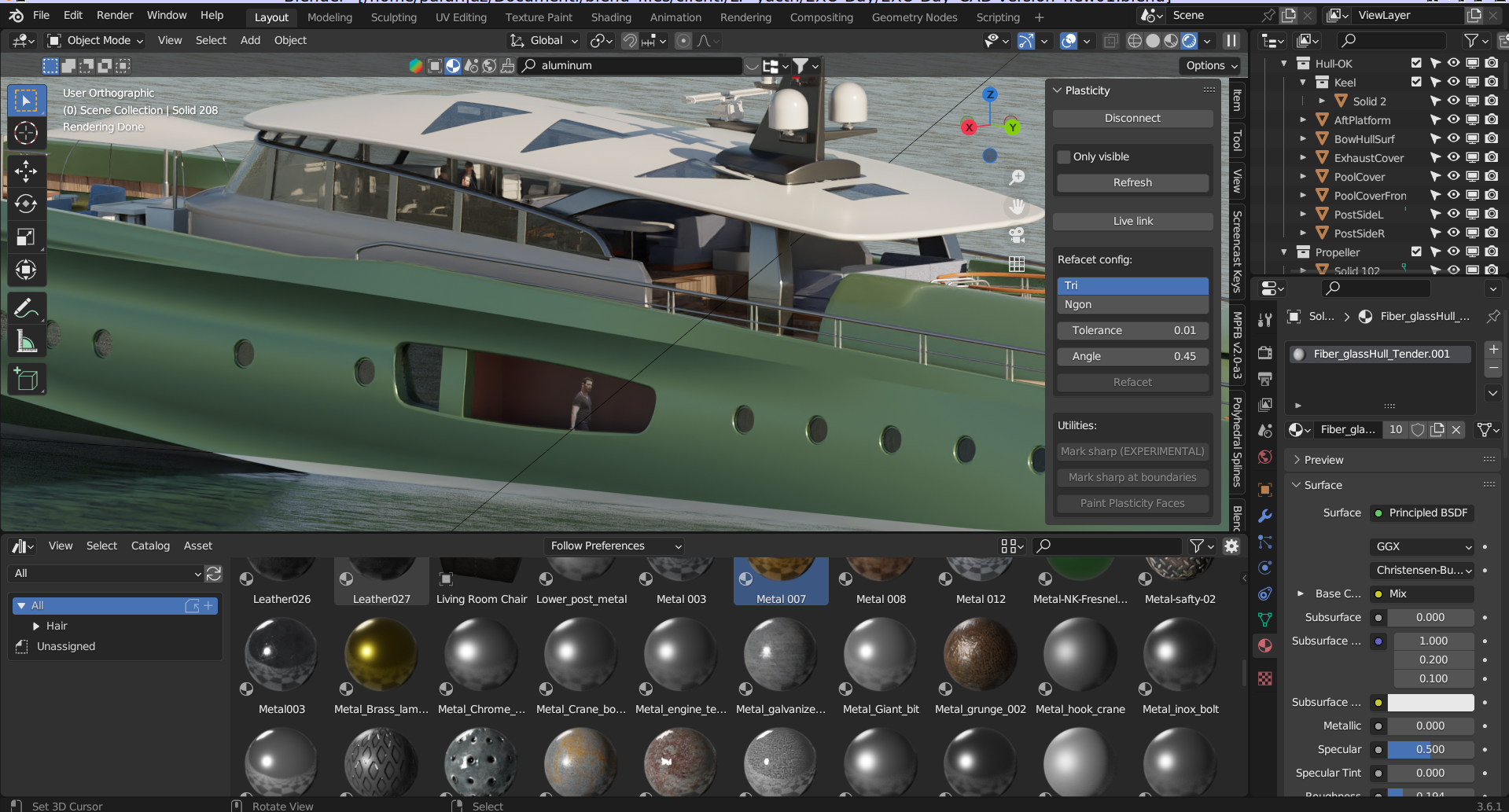
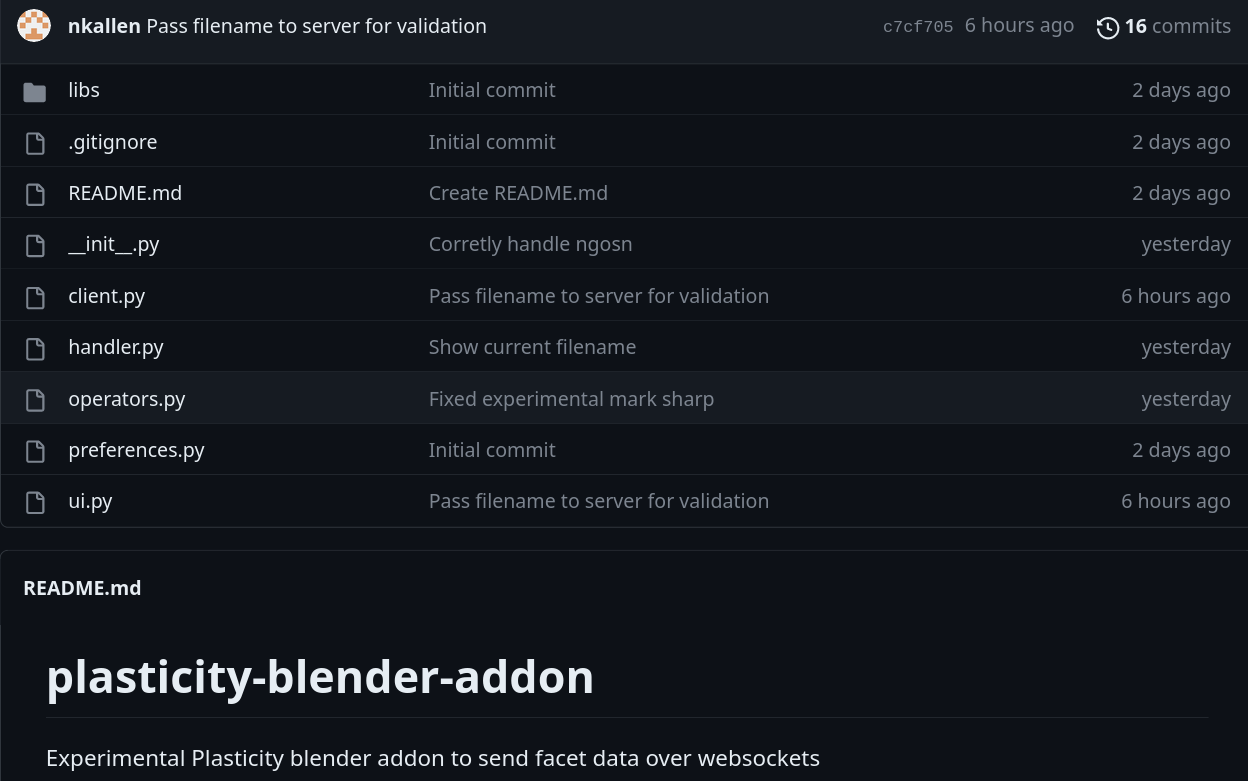
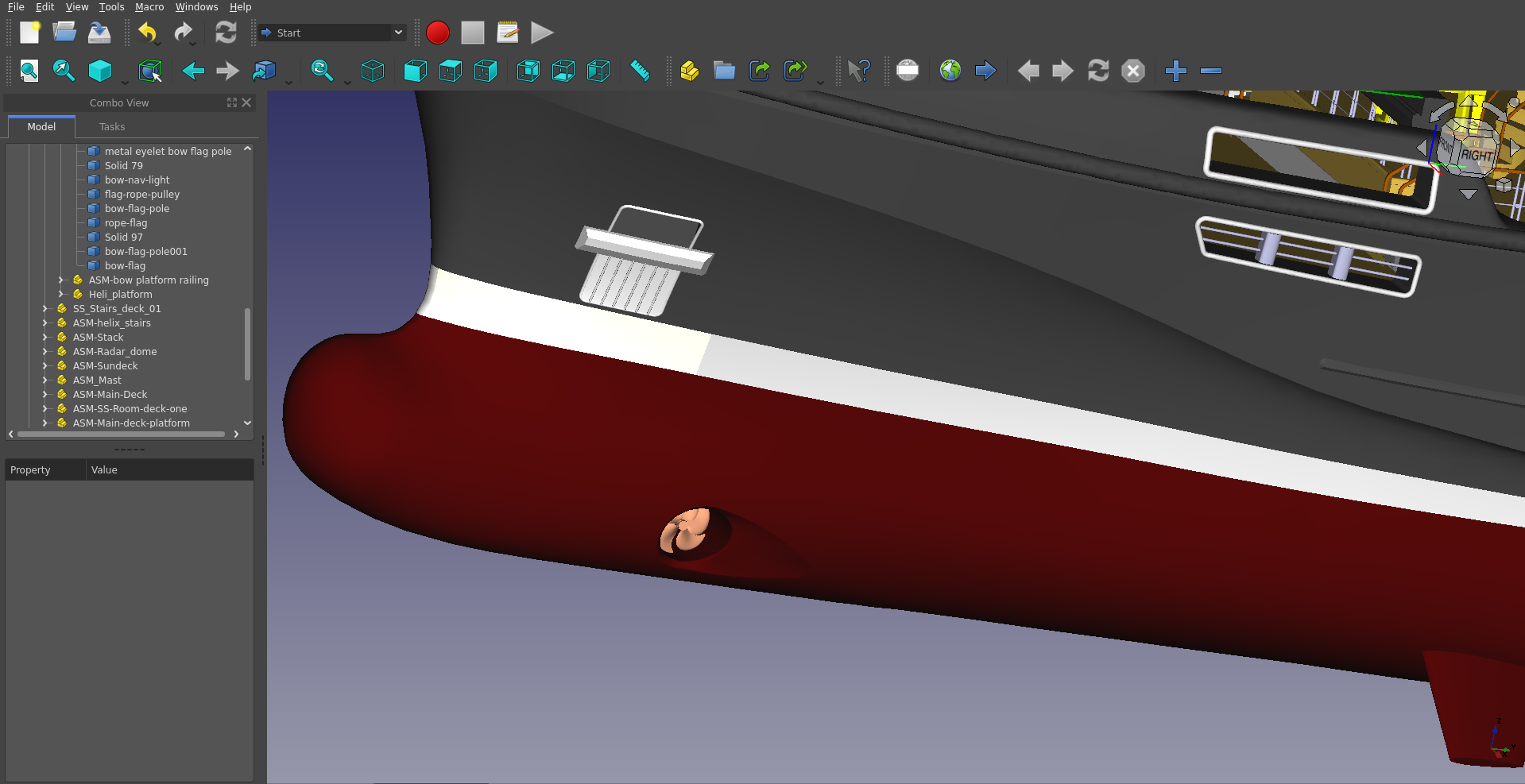
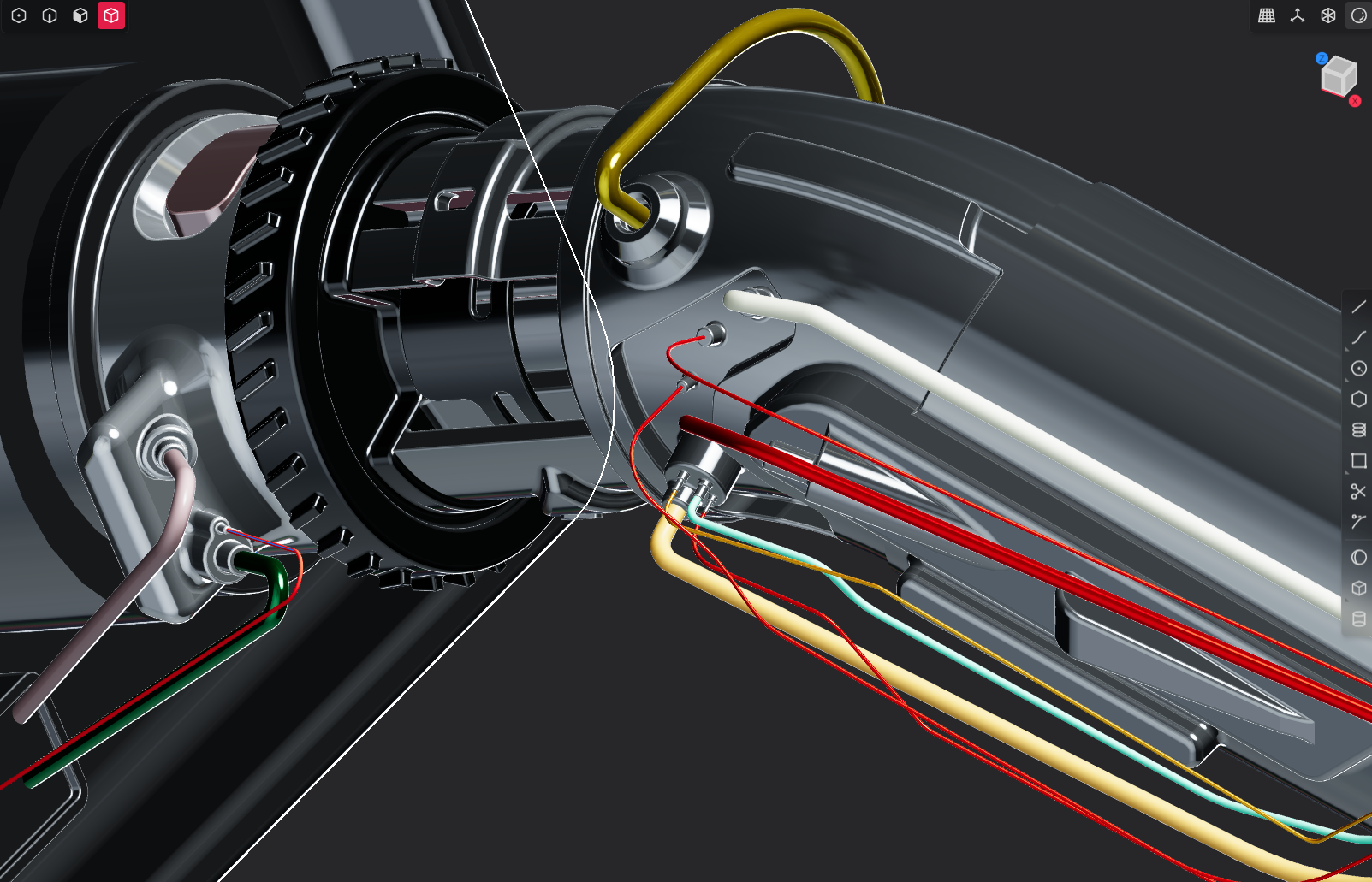
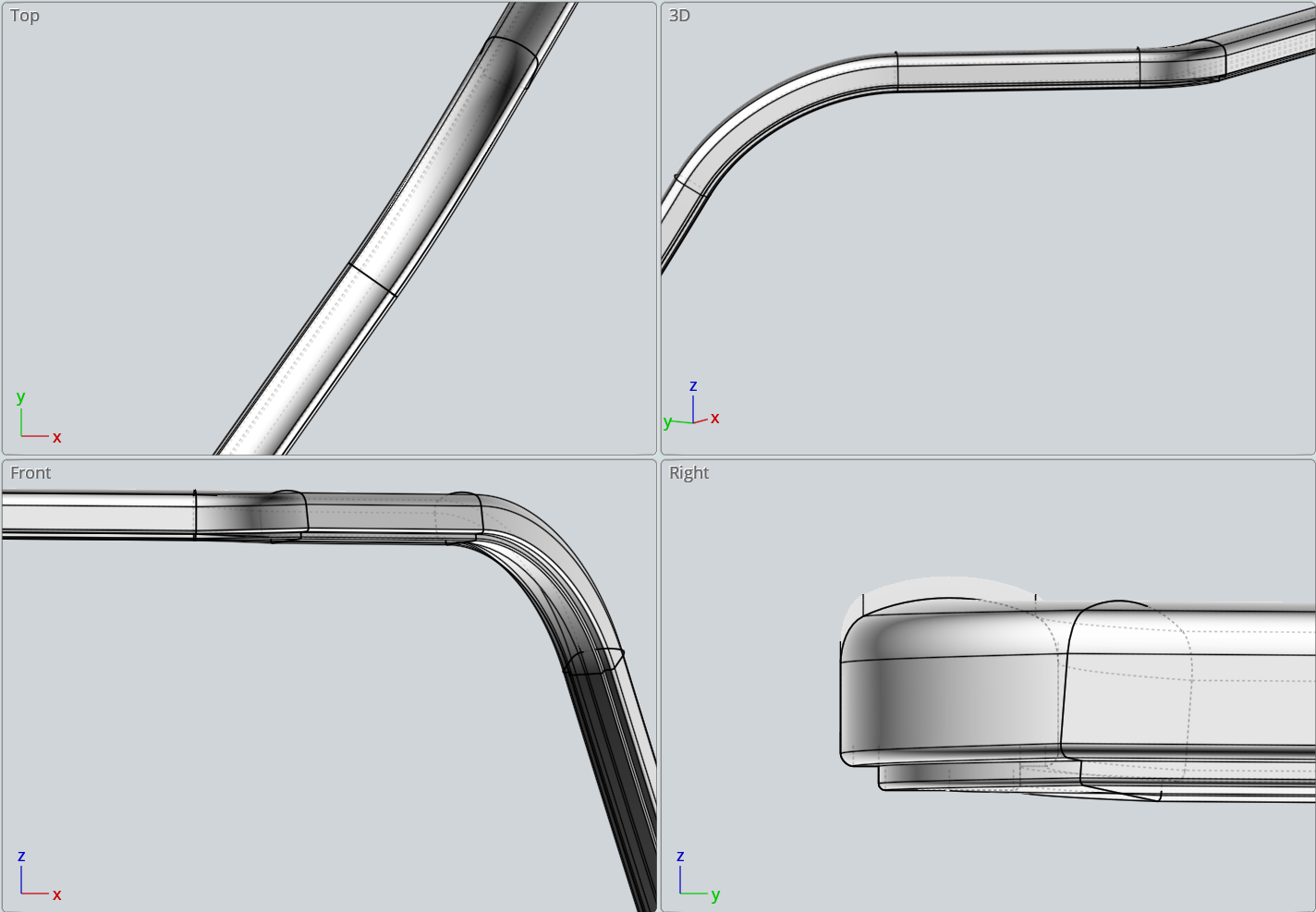
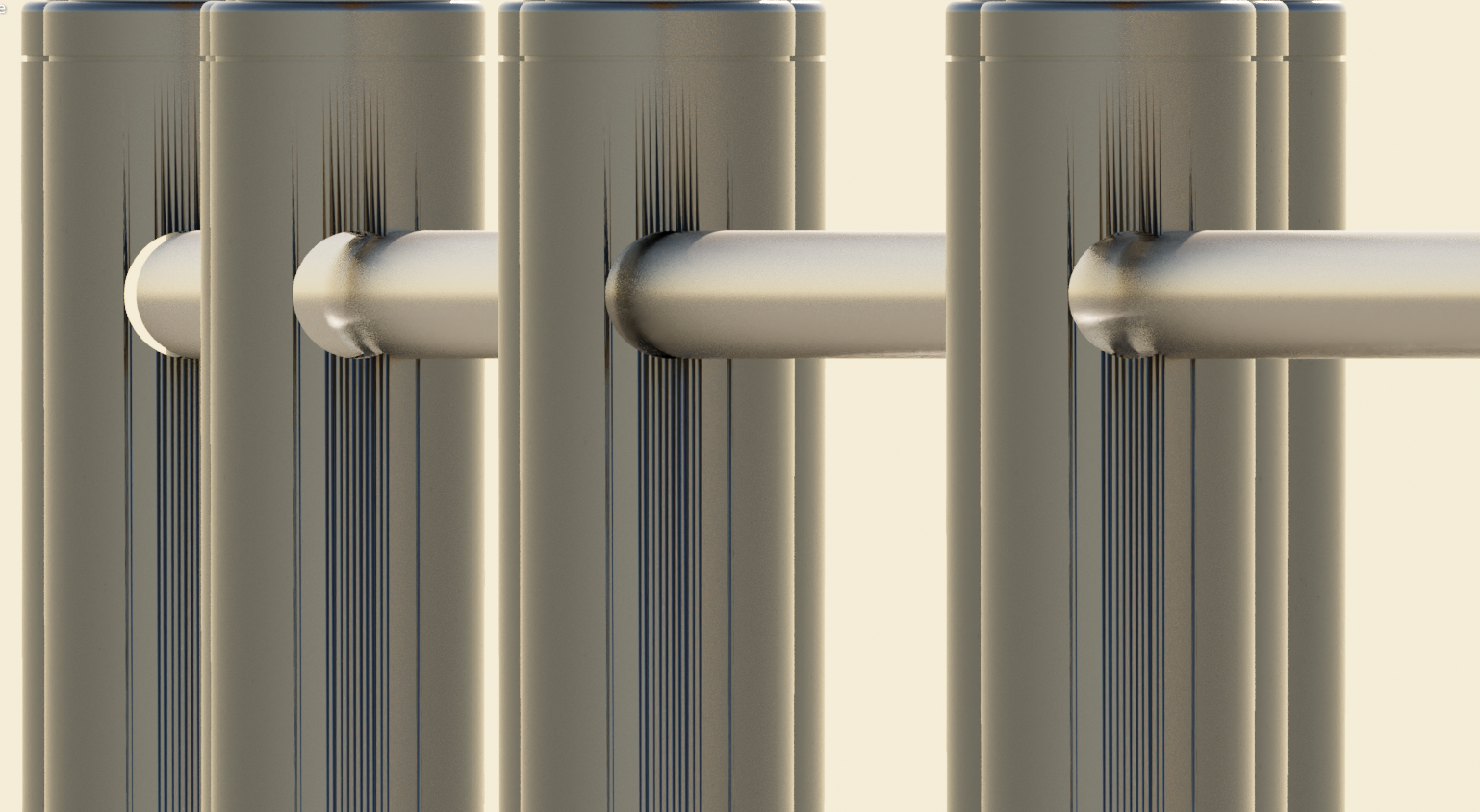
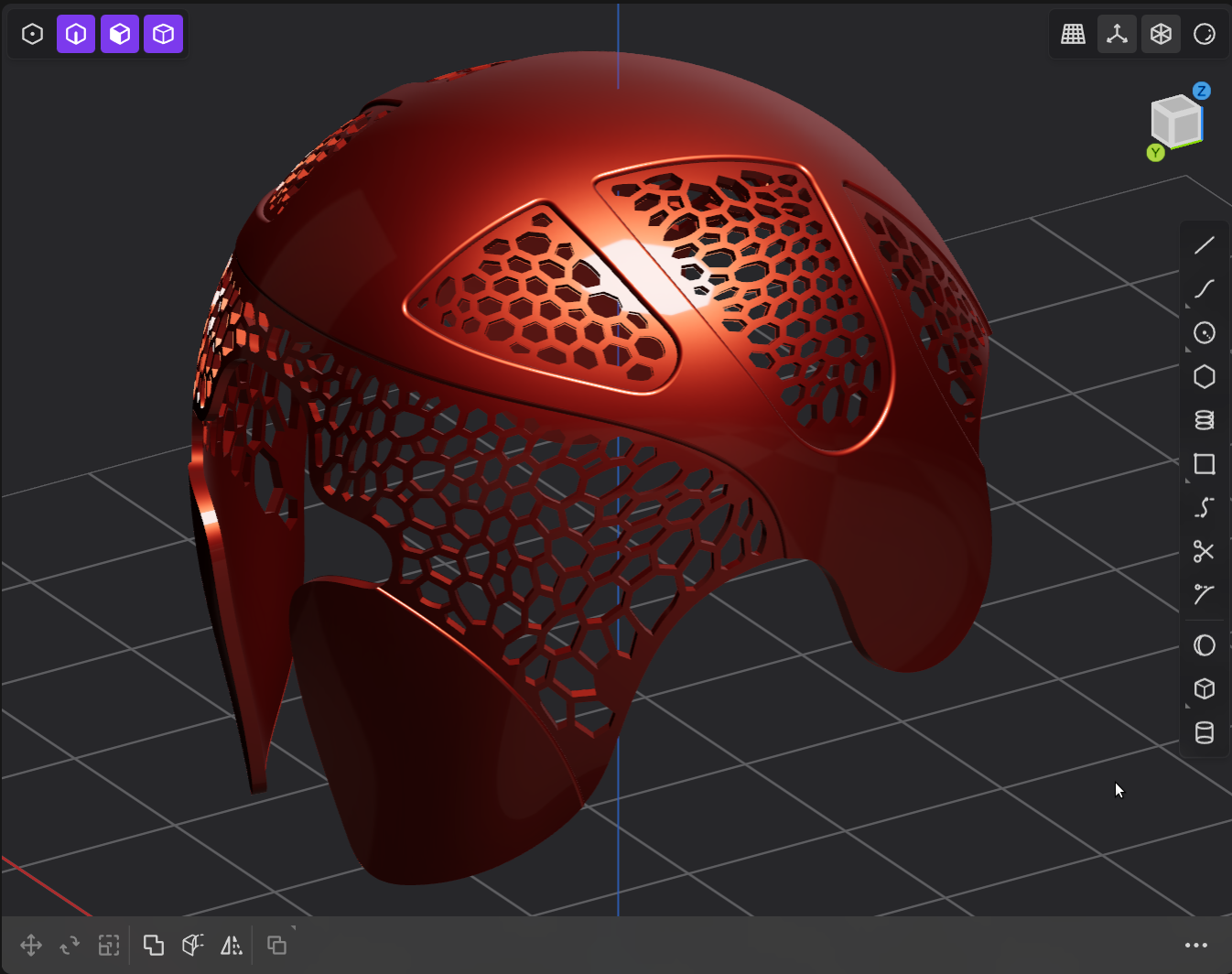
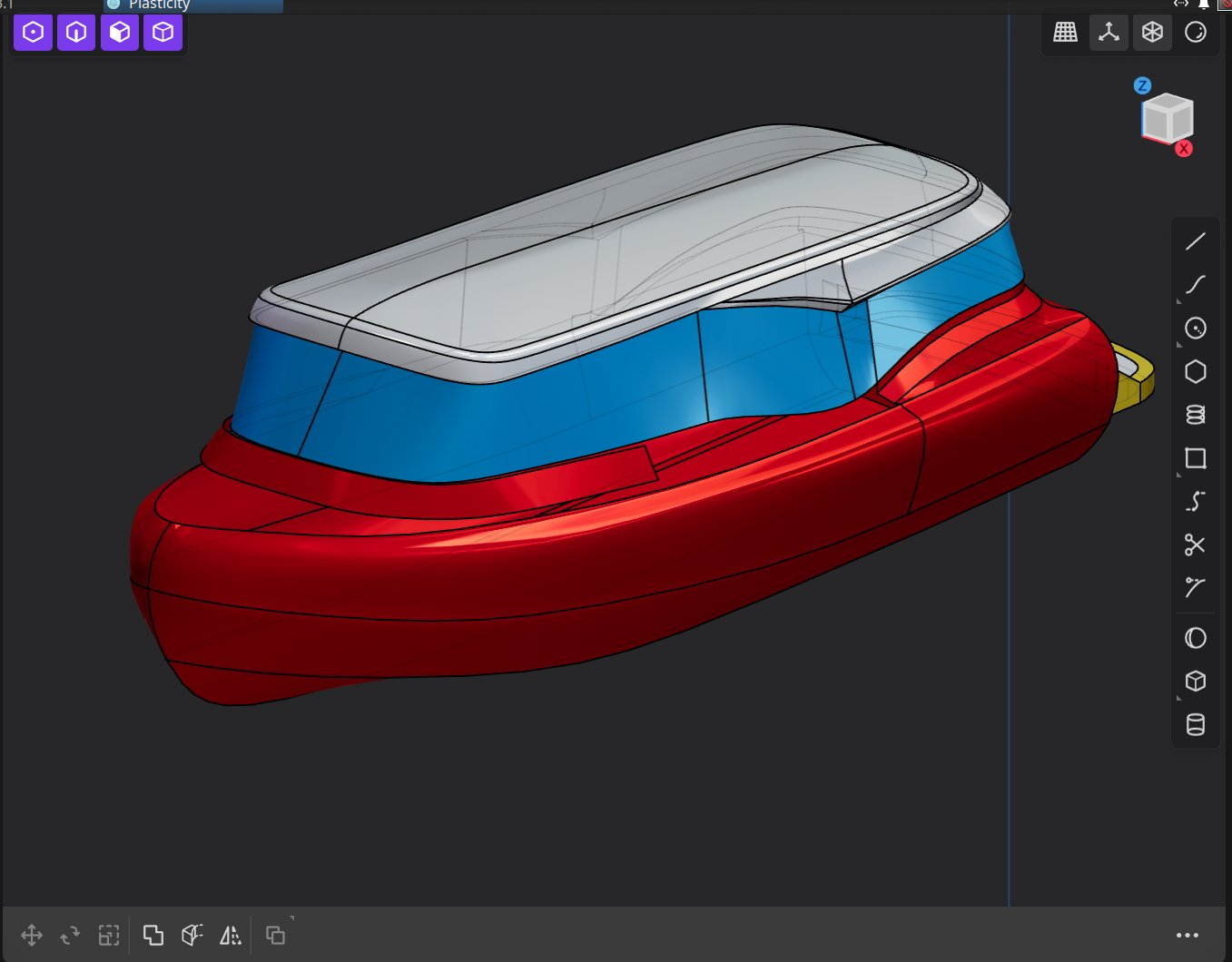
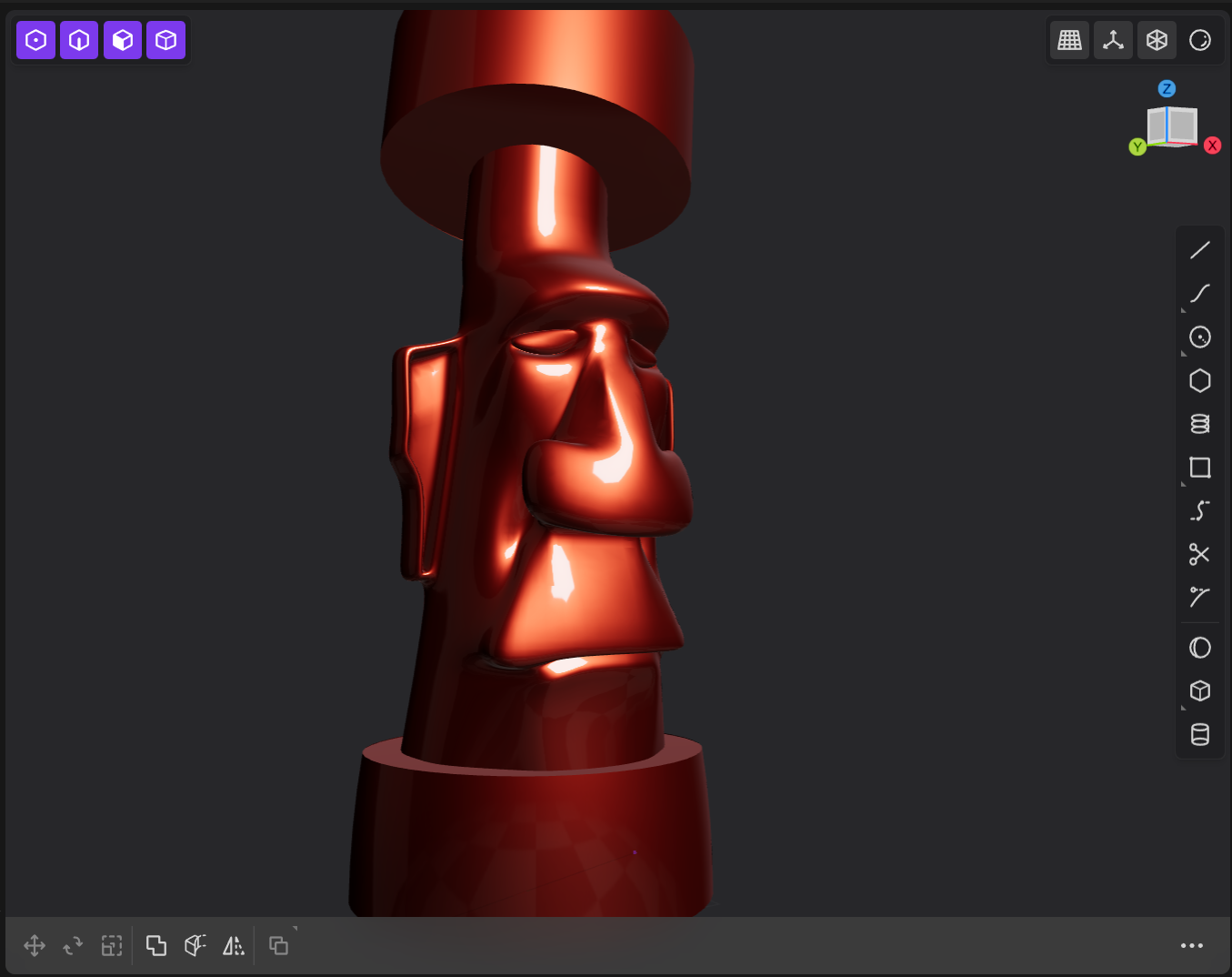
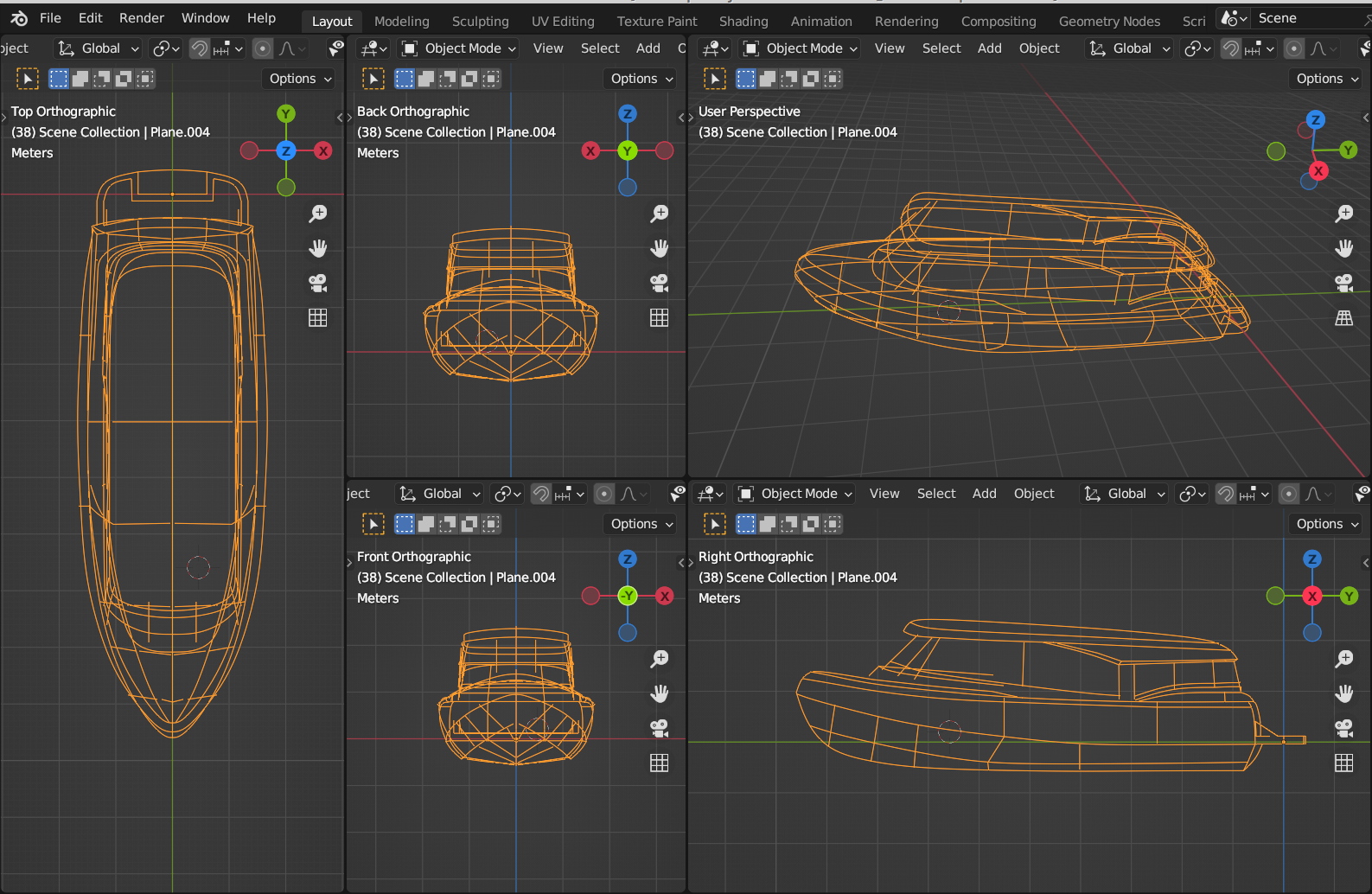
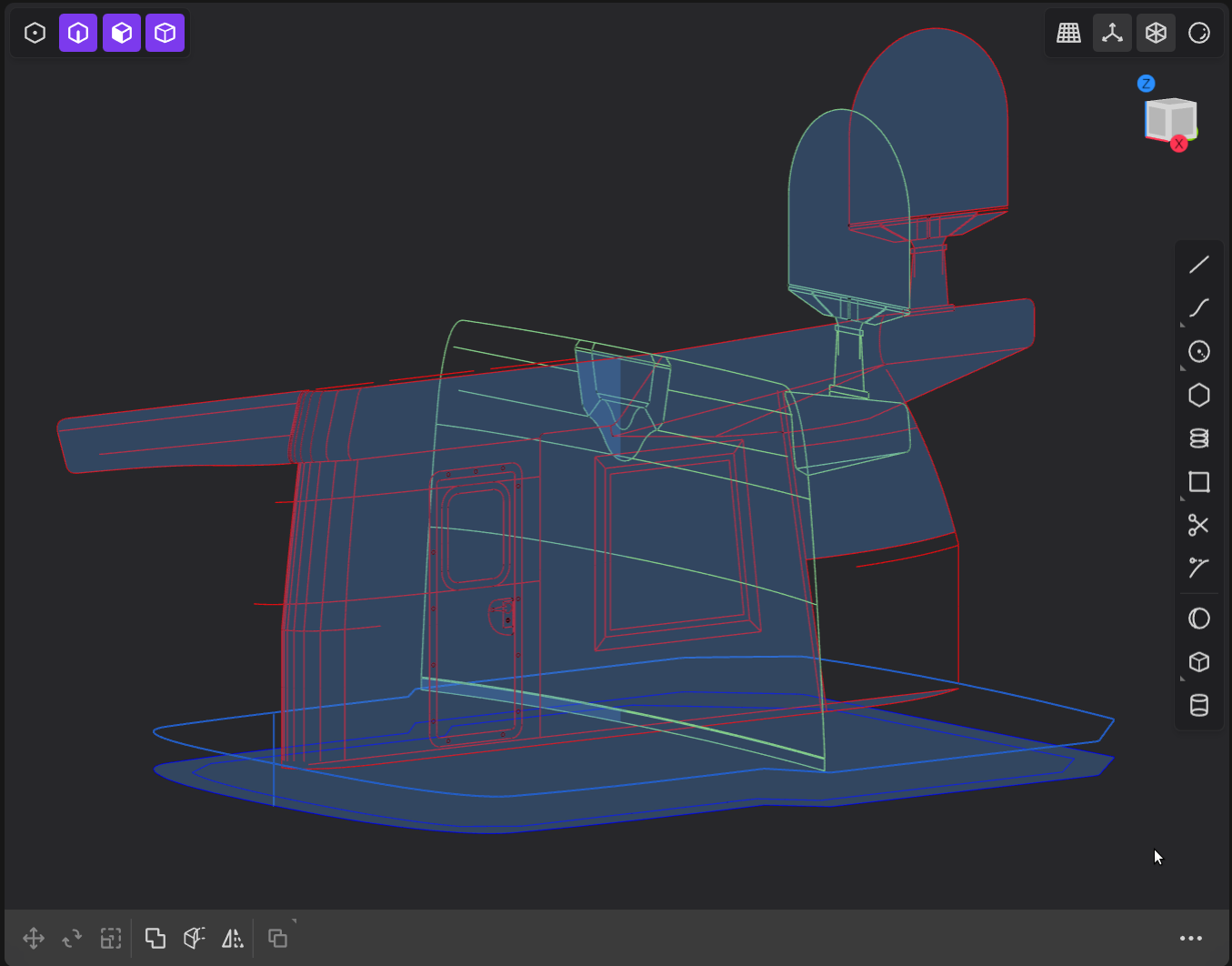
Colors on splines added on the latest release are pretty useful :) to not get over confused. #plasticity3D #CAD