
Pohokolius · @pohokolius
4 followers · 34 posts · Server mastodon.cloud@krishnadraws I got two for now, which is plenty considering how rarely i try new software:
1. #podmandesktop for managing containers (https://podman-desktop.io/). It helps learning everything about #podman using gui.
2. #helix editor, which I am learning as you read this (https://github.com/helix-editor/helix).

hisoft · @iNViTiON
99 followers · 734 posts · Server mastodon.in.th
เจอของที่ #DockerDesktop มีแต่ #PodmanDesktop, #VSCode ไม่มีละ
ของโหดด้วย
#dockerdesktop #podmandesktop #vscode

Fabrice FT · @themr0c
77 followers · 532 posts · Server pouet.chapril.org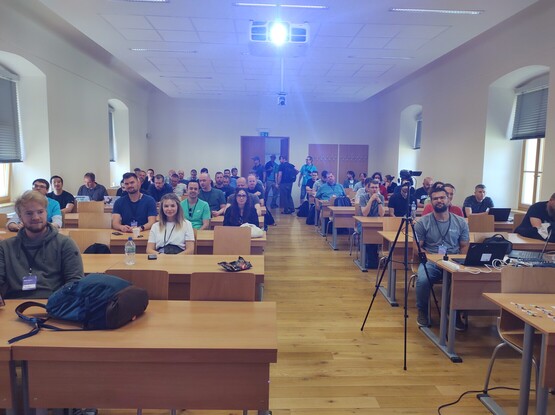
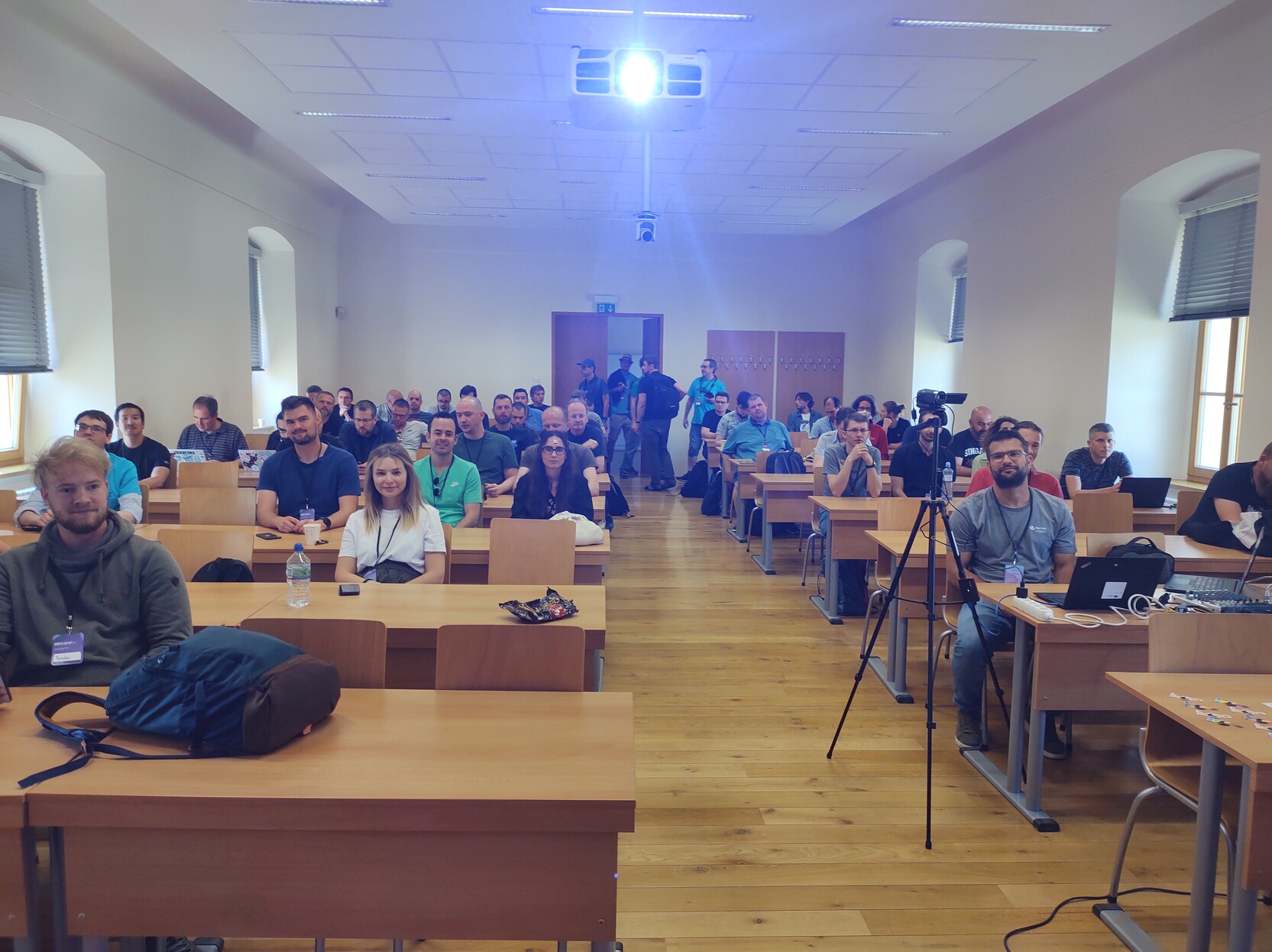
Full room for my second #podmandesktop talk at #DevConf_CZ . This time playing with #Kubernetes variants: #OpenShiftLocal with the #OpenShift bundle, #DeveloperSandbox.
#developersandbox #openshift #openshiftlocal #kubernetes #DevConf_CZ #podmandesktop
Fabrice FT · @themr0c
77 followers · 531 posts · Server pouet.chapril.org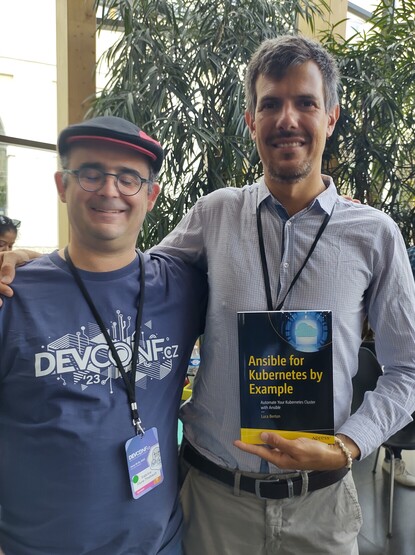
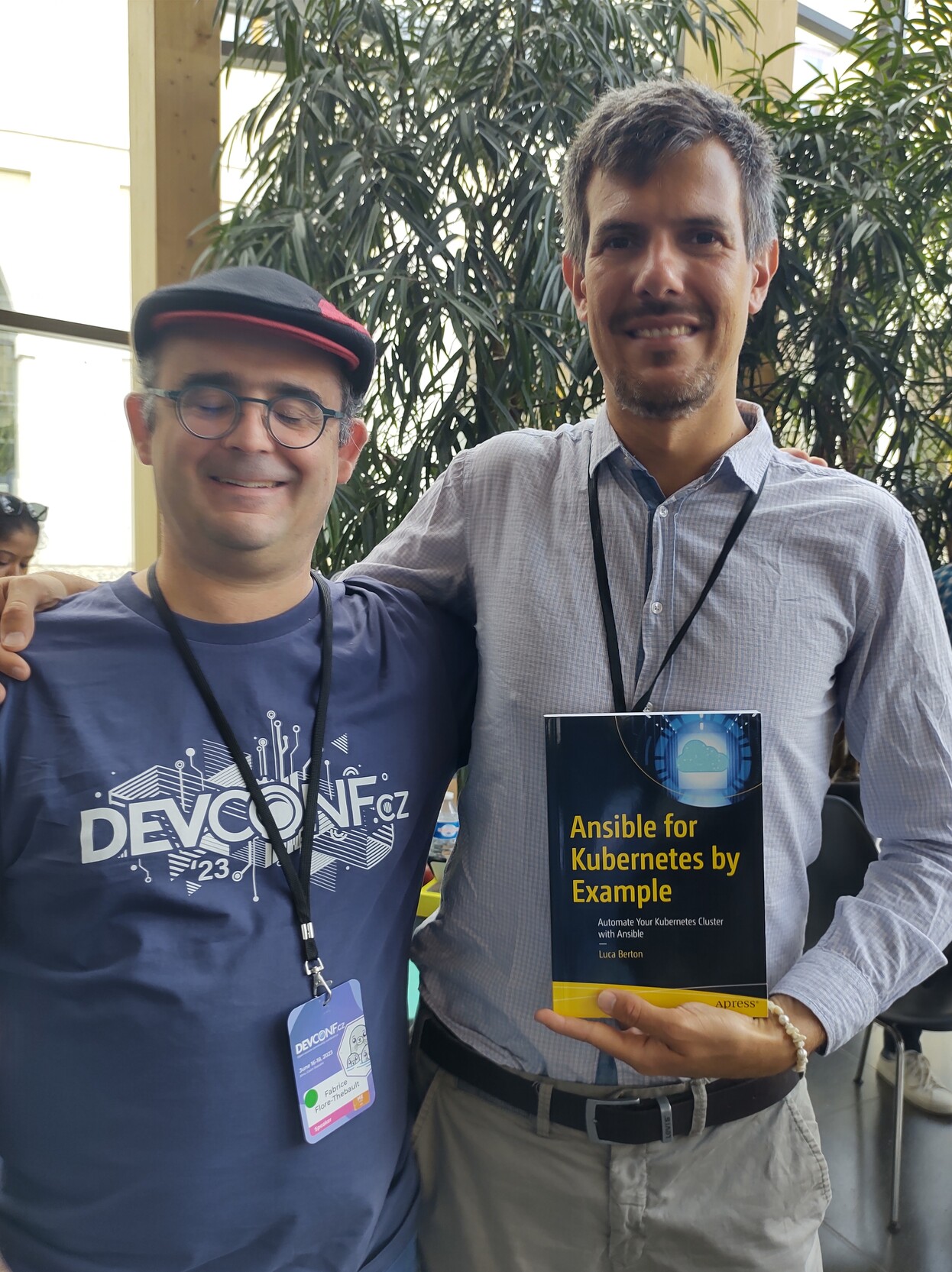
At #DevConf_CZ I met the author of a book containing #podmandesktop screenshots.
Fabrice FT · @themr0c
70 followers · 514 posts · Server pouet.chapril.org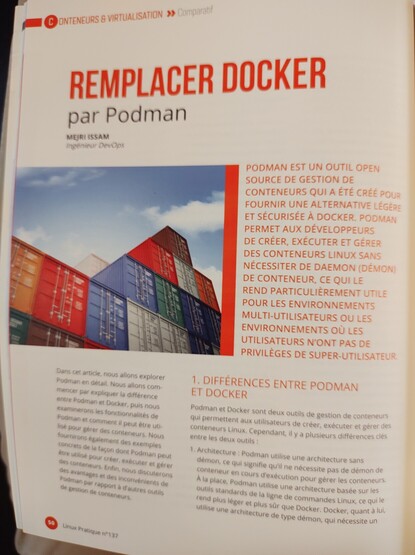
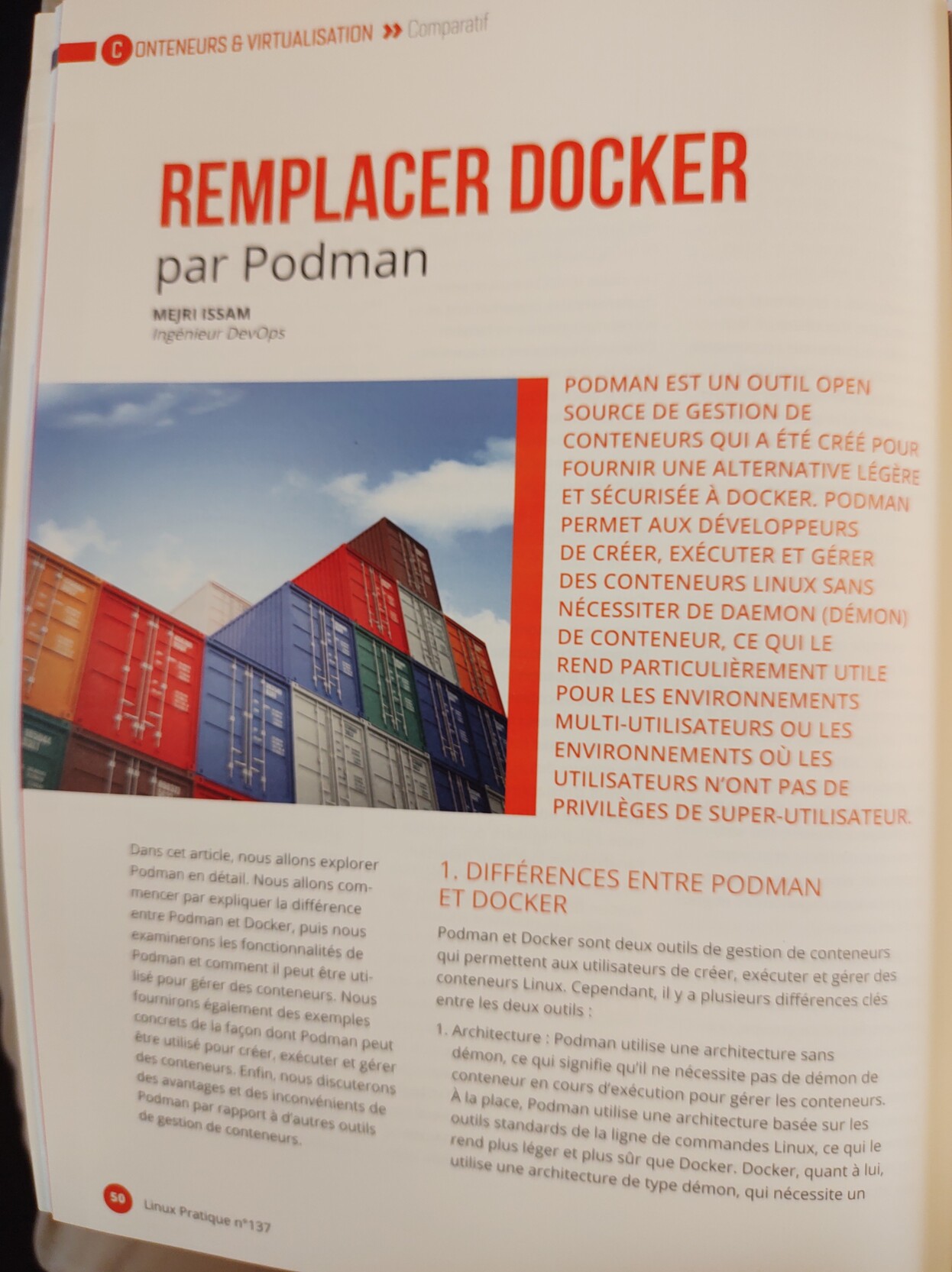
Je suis super content de pouvoir lire un article sur #podman et #podmandesktop dans l'excellent #magazine #linuxpratique du mois de mai / juin. On y parle des avantages par rapport à #docker, mais aussi des inconvénients, de l'intégration avec Kubernetes qui est notre grand chantier du moment, de l'utilisation dans #gitlab et #jenkins: https://connect.ed-diamond.com/linux-pratique/lp-137/remplacer-docker-par-podman
#jenkins #gitlab #docker #linuxpratique #magazine #podmandesktop #podman
Fabrice FT · @themr0c
70 followers · 513 posts · Server pouet.chapril.org#PodmanDesktop 0.15 is out. Focus on cleanliness, #kind and #kubernetes support, and includes the latest #podman version. Release notes: https://podman-desktop.io/blog/podman-desktop-release-0.15
#podman #kubernetes #kind #podmandesktop
Fabrice FT · @themr0c
69 followers · 486 posts · Server pouet.chapril.org
Fabrice FT · @themr0c
54 followers · 363 posts · Server pouet.chapril.org

Fabrice FT · @themr0c
38 followers · 207 posts · Server pouet.chapril.orgThe last #podmandesktop release includes my first contributions to the project. @florentbenoit was so kind and helpful. #podman rocks #community rocks #opensource rocks https://github.com/containers/podman-desktop/discussions/946
#opensource #community #podman #podmandesktop
Fabrice FT · @themr0c
38 followers · 184 posts · Server pouet.chapril.org
@markstos @myfear @florentbenoit
You can already try the #flatpak attached to following pull request to have #podmandesktop connecting to #podman socket properly on #linux : https://github.com/containers/podman-desktop/pull/860
#linux #podman #podmandesktop #flatpak
Fabrice FT · @themr0c
34 followers · 142 posts · Server pouet.chapril.orgLors de la prochaine release, #podmandesktop esktop va se connecter correctement à #podman sur #linux. Très bon accueil par l'équipe de développement. Merci @florentbenoit
Fabrice FT · @themr0c
34 followers · 142 posts · Server pouet.chapril.orgLors de la prochaine release, #podmandesktop esktop va se connecter correctement à #podman sur #linux. Très bon accueil par l'équipe de développement.

Mark Stosberg · @markstos
33 followers · 221 posts · Server mastodon.online@myfear @florentbenoit There's another oddity with the #PodmanDesktop Flatpak build on Linux. I use Sway on Wayland and have a keybinding to "kill" windows, which works to close every kind of window... but the Podman Desktop window does not respond to it for some reason. Control-Q works to close the window.
Mark Stosberg · @markstos
33 followers · 221 posts · Server mastodon.online
@myfear @florentbenoit I was able to workaround the bug with:
systemctl --user start podman.socket
From there, I tried building a known-good Dockerfile locally, but #PodmanDesktop just fails with an empty black box, as seen below.
I can guess why-- I think it's running rootless podman, which is currently broken on my machine: (CLI shows: 'Error: cannot set up namespace using "/usr/bin/newuidmap"')
The GUI experience should provide some feedback about what's going wrong like the CLI does!
Mark Stosberg · @markstos
33 followers · 221 posts · Server mastodon.online
@myfear It looks like there was a known #PodmanDesktop bug with the #PodmanDesktop #Flatpak build that was resolved.... 5 hours ago... and hasn't quite been shipped yet. I'll try again soon! https://github.com/containers/podman-desktop/pull/860
Mark Stosberg · @markstos
33 followers · 221 posts · Server mastodon.online@myfear I expect #PodmanDesktop to be easier than the `podman` CLI, but it's still harder. It's easy enough to explain to someone how to `cd` to a directory and build an image from a Dockerfile with the `podman` CLI. There's no need to "configure an engine" first, and that shouldn't be a requirement with Podman Desktop, either.
Mark Stosberg · @markstos
33 followers · 221 posts · Server mastodon.online



@myfear I tried #PodmanDesktop again, and it's still a poor first impression. The home screen says "Podman is running", but when I tried to build an image, I get a "No Container Engine" message and that's a dead end. The left hand doesn't seem to be talking to the right hand. This second #PodmanDesktop screen should provide docs or a link on getting the Podman engine configured or running.

Markus Eisele · @myfear
847 followers · 309 posts · Server mastodon.onlineIf you haven't played with #PodmanDesktop yet, it's about time!
Go download: https://podman-desktop.io/
#windows #MacOS #container
---
RT @Podman_io
Pull your favorite #Containers images from #PodmanDesktop and use them for local development. Here, with an @nginx image from @quayio! 🦭
https://podman-desktop.io/ #DiscoverPodmanDesktop #Podman #Kubernetes #OpenSource
https://twitter.com/Podman_io/status/1593315480101609486
#opensource #kubernetes #podman #discoverpodmandesktop #containers #container #macos #windows #podmandesktop

Florent Benoit · @florentbenoit
0 followers · 1 posts · Server mastodon.socialBuild and run #PodmanDesktop and #podman engine inside a DevContainer with one click ? Read how to do that using GitHub codespaces
https://podman-desktop.io/blog/develop-using-devcontainer